Aesthetic Mood Board Collage
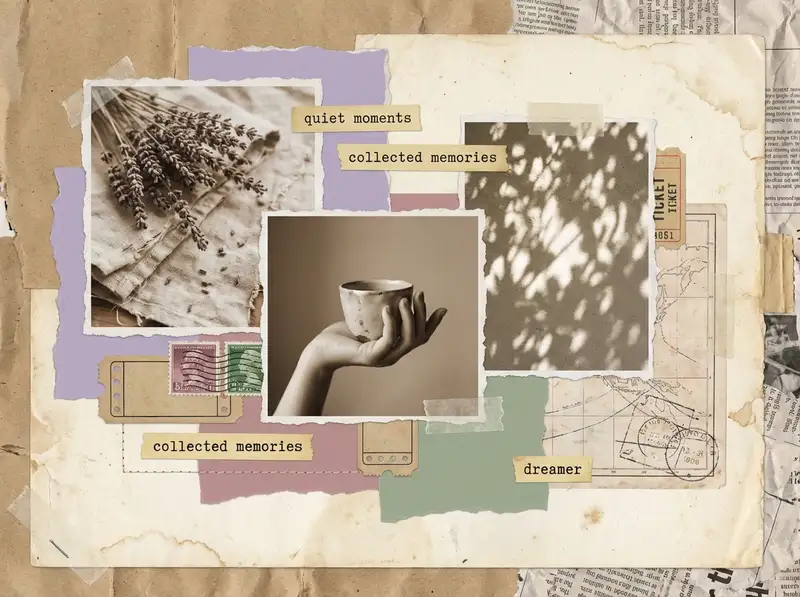
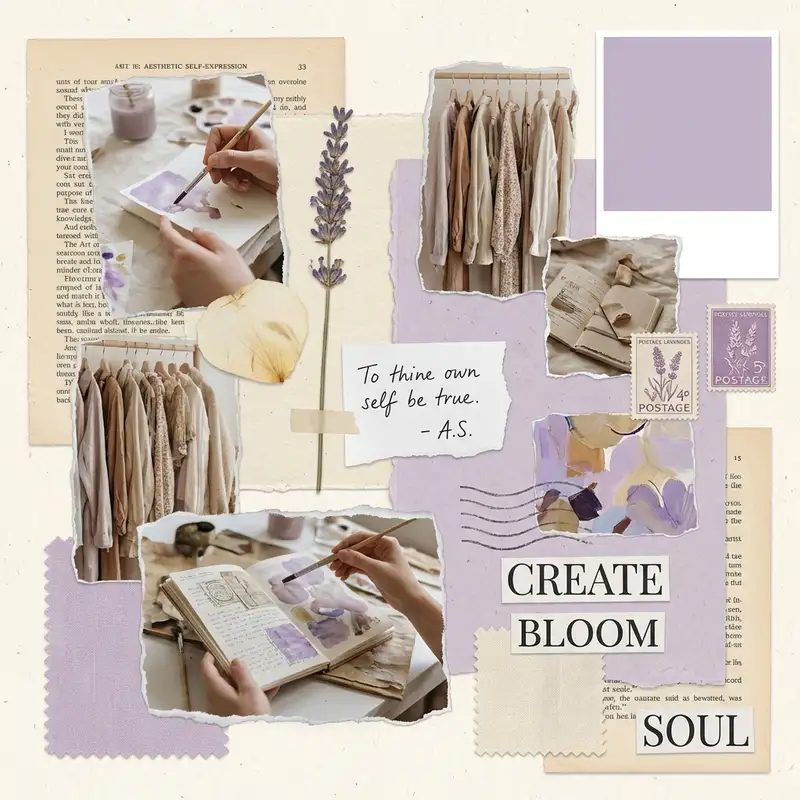
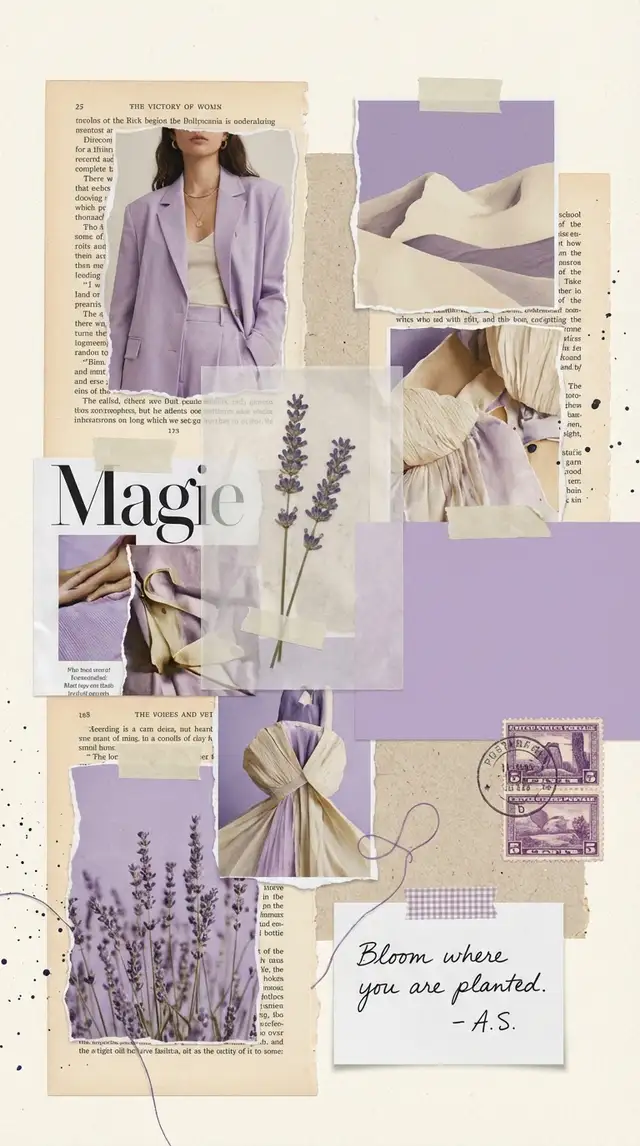
You already know the feeling you want -- now give it a shape.
Ingredients
- 4-6 images from your camera roll that share a mood (not a subject -- a mood)
- 1-2 texture photos (fabric close-up, sky, water, shadow on a wall)
- 1-2 object or detail shots (a cup, a hand, a corner of a room)
- 1 color-dominant image that sets the palette
- A solid color from the Backgrounds library in your accent shade (soft lavender, dusty rose, sage, or cloud gray)
- Optional: a clean serif font from the text library for a single word or phrase
- Optional: a torn-paper or film strip sticker from the Sticker Library
Steps
-
Pick a grid that fits your vibe
Open Grids and scroll to the 2x3 layouts. Choose one with even spacing -- you want breathing room between images. Tap the border slider and bump it up to medium thickness; round the corners just slightly.
-
Drop in your photos
Import 5-6 images from your camera roll that share a mood, not a subject. Tap each to crop -- zoom in on textures, pull out on landscapes. If one image has a busy background, use Magic Cutout to isolate the subject and layer it over a color block.
-
Set a soft, muted background
Swipe to Backgrounds and pick a solid color pulled from your palette -- dusty rose, sage, cloud gray. Avoid pure white; a warm cream feels more intentional. The background is what ties everything together.
-
Tune every photo toward the same world
Tap each image and open Photo Editing. Pull saturation down by 10-15% and nudge warmth up slightly. You want every photo to feel like it lives in the same room, even if they were taken months apart.
-
Add one quiet text element
Tap Text and type a single word or short phrase. Choose a clean serif font, size it small, and center it in one of the grid cells or float it over a texture image. Lowercase. It's a whisper, not a headline.
-
Save at full resolution
Tap Save and choose the highest quality option. For Pinterest, export as a tall pin (1000x1500px). For Instagram stories, switch to 1080x1920. Skip the animation -- mood boards work best as stillness.
Variations
Dark Academia Version
Swap the palette to deep brown, forest green, and aged cream. Fill the grid with old books, stone architecture, candlelight. Search the Sticker Library for vintage paper textures and layer one behind a cell. Add a Latin phrase in serif italic using Custom Text.
Coastal Calm Version
Blues, sand tones, and white. Ocean textures, driftwood, linen, morning light. Widen the grid borders for extra breathing room and set the background to warm sand. No text -- let the palette speak.
Freestyle Collage Version
Skip the grid entirely. Open Freestyle and scatter your images on the canvas at slight angles. Use Magic Cutout to lift a subject from one photo and overlap it onto another. This version feels more handmade and less curated.
Tips
- Use Photo Editing to desaturate all images by 10-15% before placing them -- instant cohesion
- One strong color repeated across three images is more powerful than six different tones
- Save as PNG for the sharpest quality when posting to Pinterest or sharing via message
- Mood boards work best when every image could plausibly exist in the same physical space
You might also like

Best Friend Photo Collage Gift
The friendship recap nobody asked for but everyone cries over -- from the first terrible selfie to last weekend's proof that nothing has changed.

Aesthetic Photo Dump Collage
Dump the photos, keep the feeling -- the whole point is that it looks like you did not try, even though you absolutely did.

Baby's First Year Photo Collage
Twelve months fit in your arms for such a short time, but they can live on a single page forever.

Birthday Collage for Mom
A warm, heartfelt collage that says everything a card can't -- the kind of thing she'll screenshot, print, and keep on the fridge until the edges curl.