Holiday Greeting Card Collage
Skip the stock photo card this year -- the best holiday greeting is built from a year of moments actually worth sharing.
Ingredients
- 3-5 photos from the past year (family milestones, vacations, everyday joy, one good group shot)
- A holiday template from the Templates library, or a rich background in deep cranberry, forest green, or midnight navy
- Festive stickers from the Sticker Library -- snowflakes, holly, ornaments, pine branches, gold stars
- A festive but readable font for the greeting and a clean serif or sans-serif for names
- Gold, cream, or white accent palette
- Optional: a photo of a handwritten family signature to place with Magic Cutout
Steps
-
Browse holiday templates
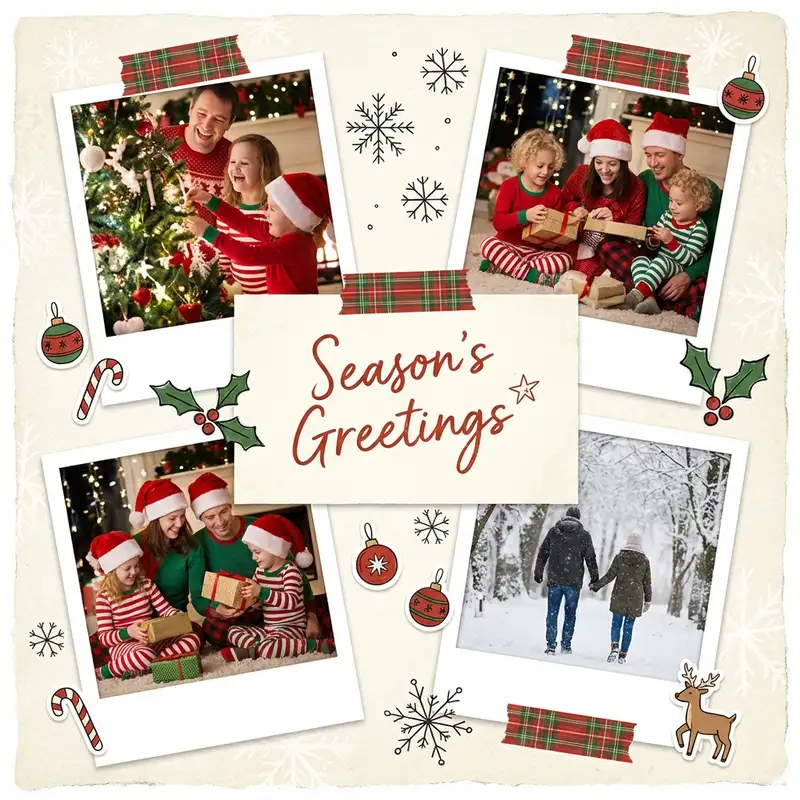
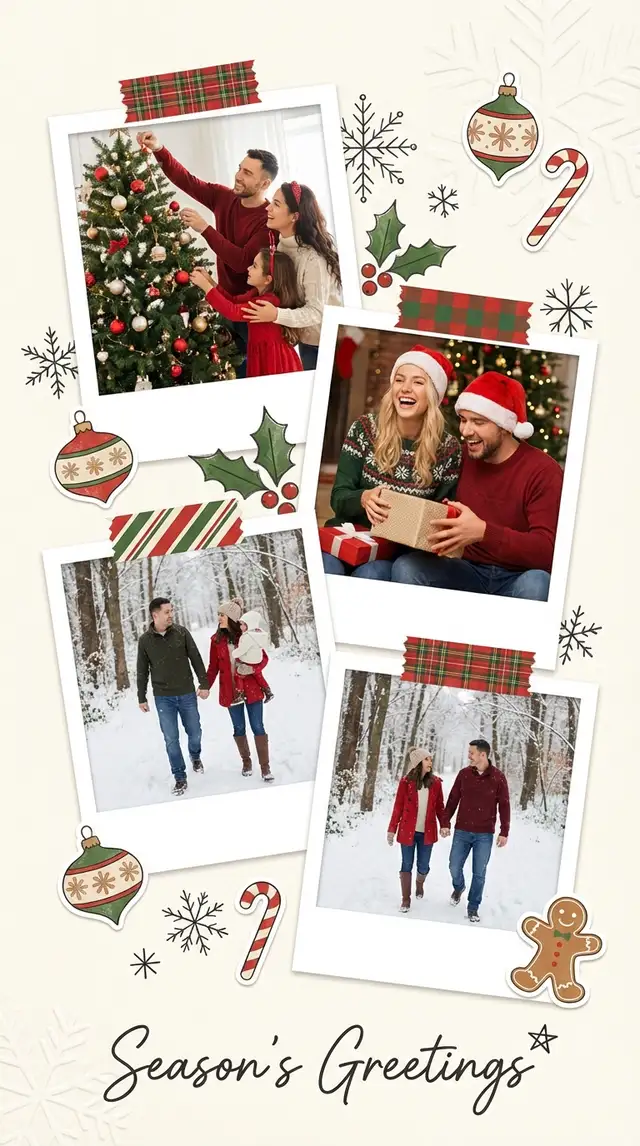
Open Templates and scroll through the holiday and Christmas themes. Look for a layout that balances a hero photo with space for smaller supporting images -- something with a rich, warm palette like cranberry or evergreen. A good template does the heavy design lifting so you can focus on picking the right photos.
-
Place your hero photo
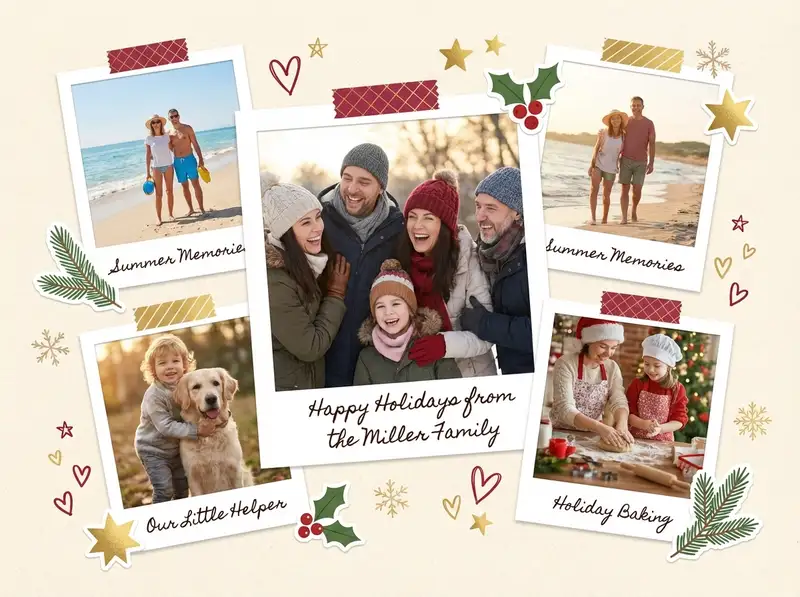
Tap the largest placeholder and import the single best family photo from the year. This is the photo people will look at first and remember longest. It should be genuinely happy -- not the most "perfect" shot, but the most alive one. Crop to center the faces.
-
Fill in the year's story
Drop two to four more photos into the remaining slots. These tell the story of the year: the trip, the new house, the dog, the birthday cake. Use Photo Editing to warm up any photos that feel too cool -- holiday cards live in golden, amber light.
-
Adjust the background and borders
If the template background needs tweaking, swap it for a deep cranberry or evergreen from Backgrounds. Adjust the border width and round the corners for a polished feel. Search the Sticker Library for a subtle texture overlay -- linen or soft paper grain keeps the background from feeling flat.
-
Decorate with festive restraint
Open the Sticker Library and search for holly, gold stars, snowflakes, or pine branches. Place one or two in the corners. Add your greeting with Custom Text: "Happy Holidays from the [Family Name]" in a font that feels handwritten but stays legible. Use the Doodle Tool to add a small star or underline. Restraint matters -- one or two festive touches say "holiday" without saying "craft store explosion."
-
Save for print and digital
Save at full resolution. For printed cards, export at the highest quality and check that no important content sits too close to the edges. For digital sharing, send directly to WhatsApp or post to Instagram. If you want extra magic, use Animation to add a gentle snowfall effect and export as a video greeting.
Variations
Vintage Holiday Edition
Skip the template. Open Freestyle and set the background to a kraft paper or aged cream from the Sticker Library. Desaturate your photos with Photo Editing and push them toward warm amber. Use a classic serif font for the greeting. Feels like a card from your grandparents' era.
Modern Minimal Version
Open a Grid with 2x3 cells. White background, no stickers, generous border spacing. Drop in your best photos and add a single line of clean sans-serif text. Let the photos carry all the warmth.
Year-in-Review Carousel
Build four separate collages -- one per season, each with two photos and a short caption. The final slide is the greeting. Share as an Instagram carousel the week before Christmas.
Tips
- Cranberry and gold (#9B3B3B with warm metallic accents) is the holiday combination that never tires
- One candid laughing photo is worth five posed smiles -- people connect with joy, not perfection
- If printing, save as PNG at full resolution and check colors on your phone screen first; screens always run brighter than paper
- Use the same template and background color for all your cards -- swap only the greeting text for different recipients
You might also like

Birthday Collage for Mom
A warm, heartfelt collage that says everything a card can't -- the kind of thing she'll screenshot, print, and keep on the fridge until the edges curl.

Minimalist Family Photo Collage
The best family photos already carry everything they need -- all you have to do is give them room to breathe.

Baby's First Year Photo Collage
Twelve months fit in your arms for such a short time, but they can live on a single page forever.

Valentine's Love Letter Collage
The best love letters aren't written -- they're assembled from every quiet moment you've been paying attention.