Valentine's Love Letter Collage
The best love letters aren't written -- they're assembled from every quiet moment you've been paying attention.
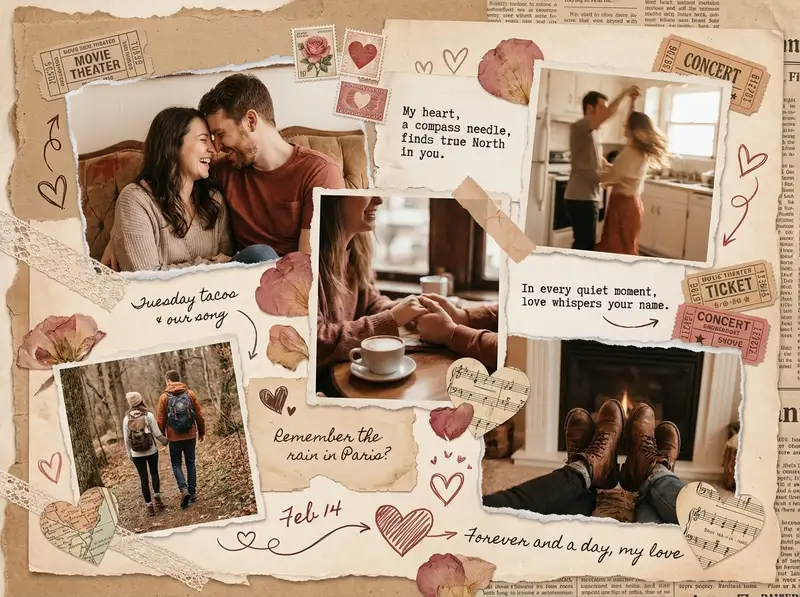
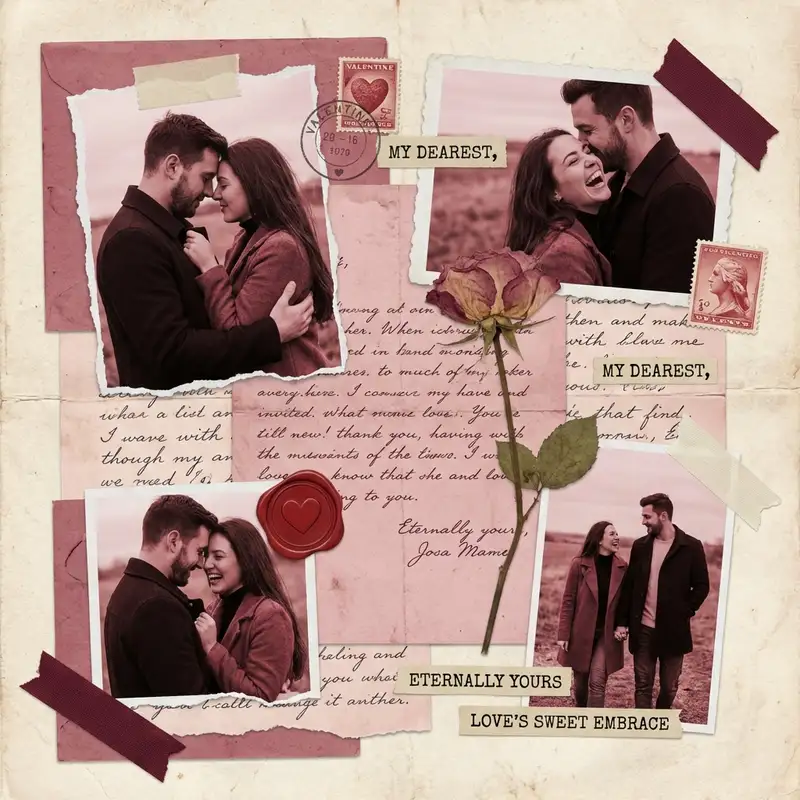
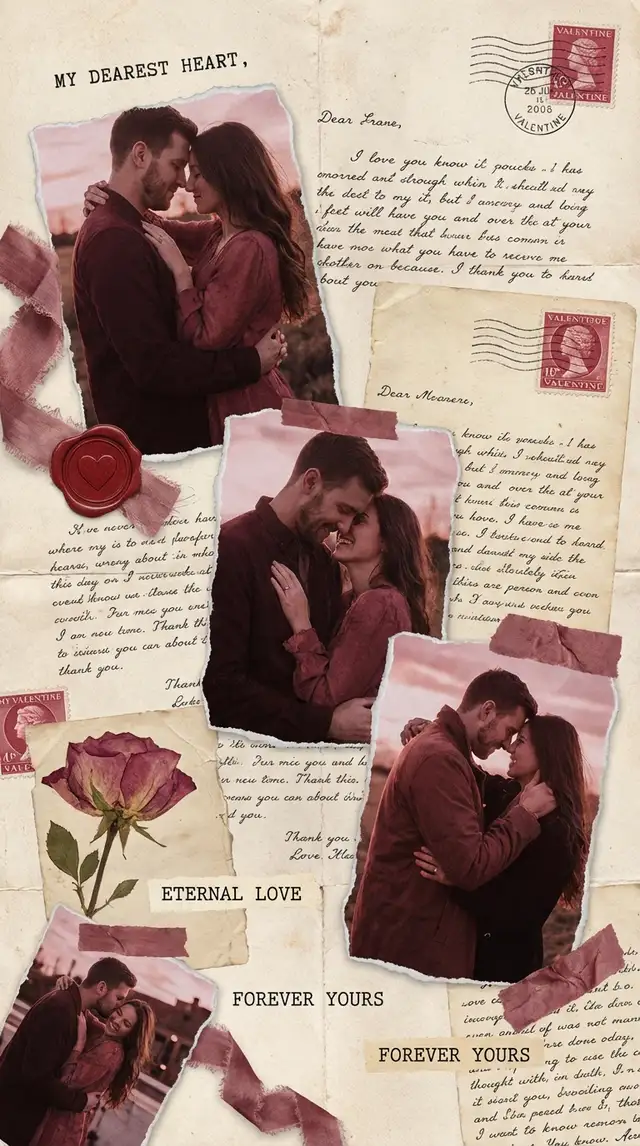
Ingredients
- 5-7 photos of the two of you (not just the big moments -- the Tuesday-night-on-the-couch moments)
- 1-2 photos of meaningful places or objects (their coffee order, your street, the restaurant)
- Romantic stickers from the Sticker Library -- hearts, roses, vintage stamps, ribbon accents
- A script or handwritten-style font for captions
- Warm background -- blush, soft kraft, or antique paper texture from the Sticker Library
- Optional: a photo of a handwritten note, a ticket stub, or a screenshot of a text that mattered
Steps
-
Open Freestyle and set the mood
Tap Freestyle for a blank canvas. This collage needs to feel scattered and intimate, like opening a box of keepsakes -- a grid would kill that. Browse the Sticker Library for an antique paper or kraft texture and place it as the background. The base should feel like something you'd slip into an envelope.
-
Use Magic Cutout on your couple photos
Pick your two or three best photos together and run Magic Cutout to lift the two of you out of the background. Place these cutout figures on the canvas, overlapping slightly, at gentle angles. The transparent backgrounds let the paper texture show through and give the whole piece a layered, scrapbook depth.
-
Scatter the rest of the memories
Import the remaining photos and arrange them around your cutouts at slight tilts. Some overlap, some float. Mix sizes freely. Tuck a small photo of a meaningful place -- the restaurant, your street, the coffee shop -- into a corner. The composition should feel like it fell together naturally.
-
Layer in the romantic details
Open the Sticker Library and search for vintage hearts, roses, postage stamps, or ribbon. Tuck them between photos and around edges. If you have a photo of their handwriting -- a note, a birthday card, a grocery list -- import it and layer it behind a photo so the words peek out. These fragments are what give the collage its soul.
-
Write something only they would understand
Tap Text and type a date, a place, or an inside joke in a script font. Use the Doodle Tool to draw a heart, underline a word, or write one short sentence by hand directly on the canvas. Not "I love you" -- something specific that only they would get. The specificity is what makes it land.
-
Warm everything and save
Tap each photo and use Photo Editing to push warmth toward soft terracotta and blush tones. The final piece should feel golden, like a memory already worn at the edges. Save at full resolution. Send it directly to their messages on Valentine's morning, or print it on matte cardstock for something they can hold.
Variations
Long-Distance Version
Build the collage from screenshots -- FaceTime stills, text conversations, map screenshots of where you each are. Add the miles between you as a quiet typographic element using Custom Text. The distance becomes part of the design.
First Anniversary Version
Use one photo from each month of the first year. Arrange them loosely chronological on the Freestyle canvas. Add the date below each photo in small, consistent type. Use Animation to reveal each month one by one -- it becomes a visual diary of becoming an us.
Animated Love Letter
Use Animation to make each photo and sticker appear gently, one at a time, ending with your handwritten message. Export as a looping video and send it as a Valentine's text. This is the version that gets replayed.
Tips
- Imperfect photos are more romantic than polished ones -- grain, blur, and bad lighting feel real
- The Doodle Tool is the most intimate texture you can add; hand-drawn hearts and handwriting feel personal in a way typed text never does
- Terracotta and blush tones make every skin tone look warm and loved
- Save as PNG for printing; export as video if using Animation for the full effect
You might also like

Vintage Wedding Collage
Some love stories deserve to look like they've already been treasured for fifty years.

Anniversary Couple's Collage
Every year adds a photo worth keeping -- this is how you hold them all in one frame.

Baby's First Year Photo Collage
Twelve months fit in your arms for such a short time, but they can live on a single page forever.

Birthday Collage for Mom
A warm, heartfelt collage that says everything a card can't -- the kind of thing she'll screenshot, print, and keep on the fridge until the edges curl.