Pet Photo Collage
They will never know you made this -- but you will know, and that is the whole point of loving something this ridiculous and perfect.
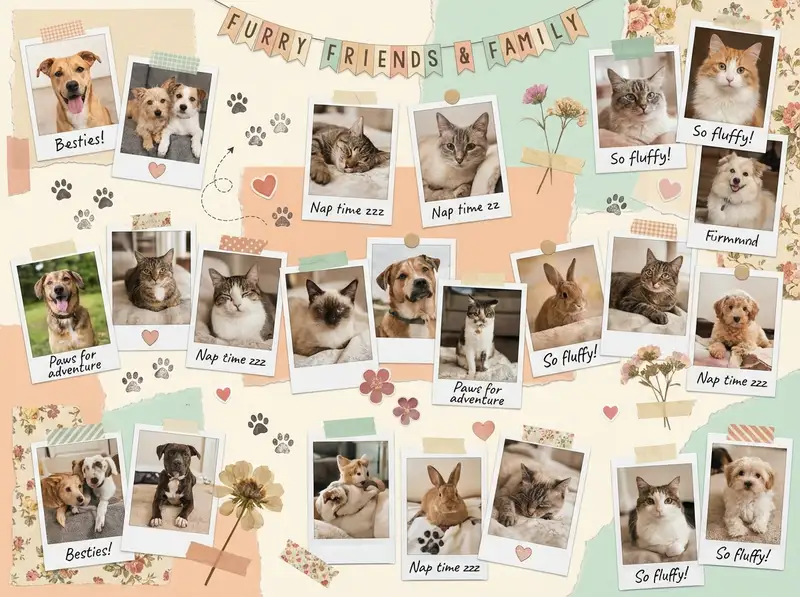
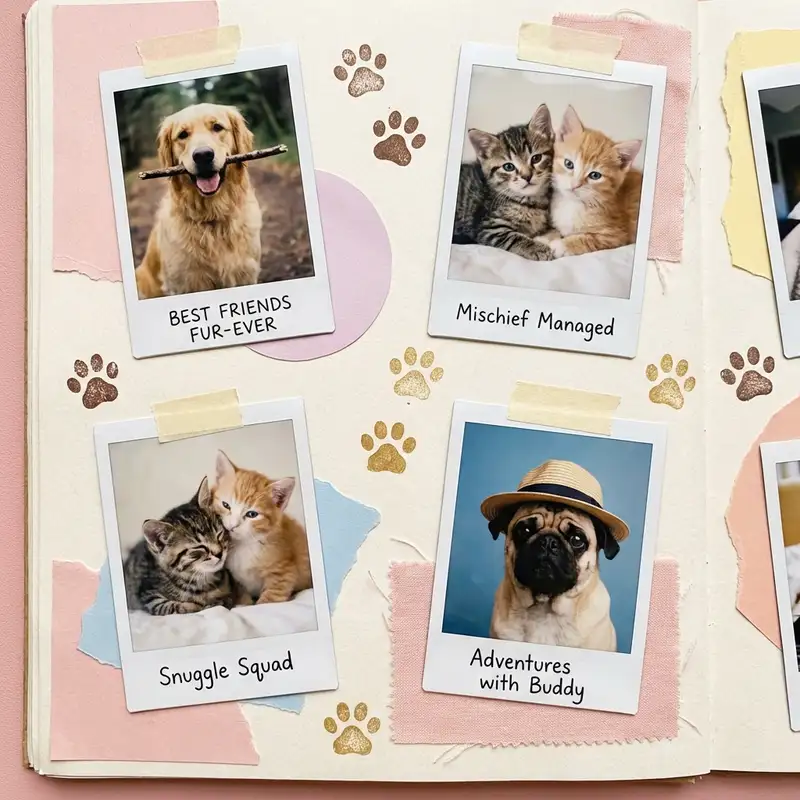
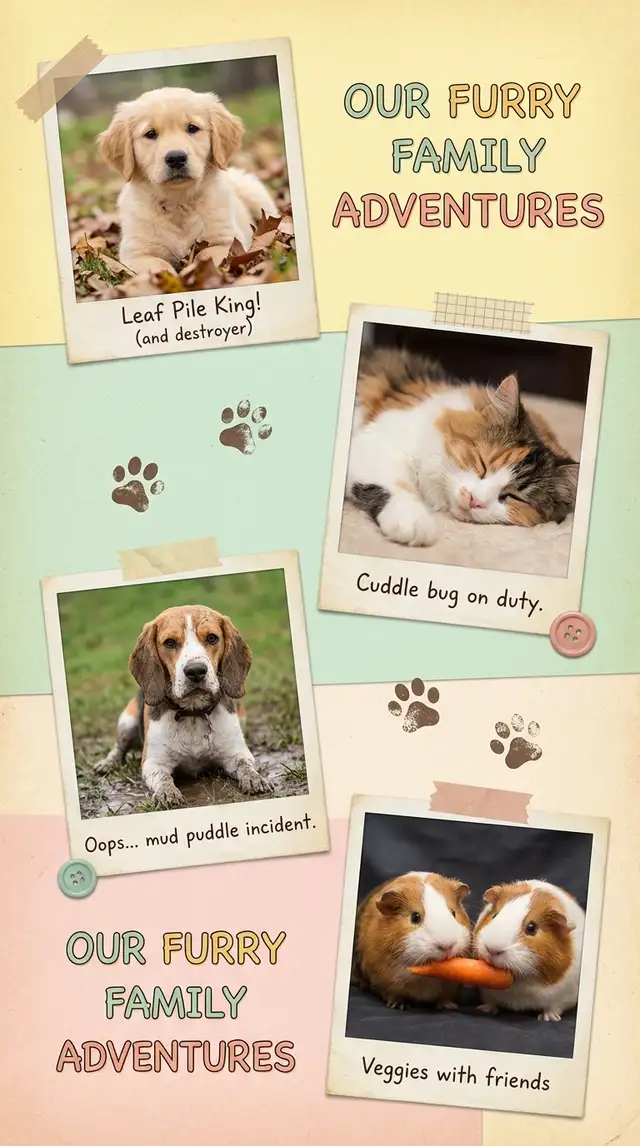
Ingredients
- 6-12 photos of your pet (sleeping, zooming, mid-yawn, looking noble, looking absurd, and that one where they stare directly into your soul)
- Stickers from the Sticker Library -- paw prints, hearts, bones, stars, washi tape in soft colors
- A warm pastel background -- soft butter yellow, pale mint, blush pink, or lavender
- A rounded or handwritten font for captions and your pet's name
- Optional: a photo of their favorite toy, their adoption day paperwork, a screenshot of a vet text that made you cry
Steps
-
Pick a grid or go freestyle
If your pet has a clear "best photo," open Freestyle so you can make it big and build around it. If every photo is equally important (because of course it is), open Grids and choose a 3x3 or 2x3 layout with rounded corners and generous borders. Either way works -- this collage is forgiving because the subject matter does all the heavy lifting.
-
Curate the highlight reel
Scroll through your camera roll and pick 6-12 photos that capture the full personality. You want range: the dignified portrait, the mid-sneeze disaster, the nap that looked like a Renaissance painting, the blurry action shot that proves they have a chaotic side. If two photos look too similar, keep the funnier one.
-
Place photos and let the best one lead
Drop your favorite photo in the largest spot or the center of the canvas. Arrange the rest around it. In Freestyle, overlap edges slightly and tilt a few photos for a scattered-prints look. In Grids, let the layout handle spacing and focus on cropping each photo so faces and paws are centered. Use Photo Editing to bump warmth up a touch on any photo that looks cold or clinical.
-
Set a soft, happy background
Swipe to Backgrounds and pick a warm pastel. Butter yellow feels sunny and cheerful, pale mint feels fresh, blush pink feels cozy. Match the vibe to your pet -- a golden retriever practically demands a warm yellow; a black cat looks stunning on lavender. Avoid pure white -- a slight tint makes every fur color pop.
-
Decorate with stickers and doodles
Open the Sticker Library and search for paw prints, bones, hearts, and stars. Scatter paw prints along edges or in corners like your pet walked across the collage. Tuck a heart near their face in your favorite photo. Use the Doodle Tool to draw tiny arrows pointing to the best moments or to sketch a small crown on their head. Keep it light and playful -- this is a celebration, not a design competition.
-
Add their name and a caption
Tap Text and type your pet's name in a rounded, friendly font. Place it somewhere prominent. Add a small subtitle if you want -- their breed, their age, or an honest caption like "professional napper" or "chaos coordinator." Size the name larger than anything else on the collage. They deserve top billing.
-
Save and share
Save at full resolution. Post to Instagram, send to the family group chat, or print on matte photo paper and stick it on the fridge. For an animated version, use Animation to make photos pop in one at a time -- export as a video for stories or reels. Your pet does not care about any of this, but every pet parent who sees it will.
Variations
Adoption Day Keepsake
Include their shelter photo alongside recent photos to show the glow-up. Add the adoption date as text and use Magic Cutout to lift your pet from the shelter photo and place them next to their current self. Frame it. You will cry. That is fine.
Pet Memorial Version
Choose the most peaceful, warm-toned photos. Pull saturation down slightly in Photo Editing for a gentle, muted palette. Use a soft cream background. Add their name, years, and a single line of text. Keep decorations minimal -- a few small hearts, nothing more. Simplicity honors them best.
Multi-Pet Chaos Board
Have more than one pet? Give each one a section of the collage with their own color zone. Use the Doodle Tool to draw a dividing line (or don't -- let the chaos overlap). Add their names as labels. The collage will be messy and perfect, just like living with multiple animals.
Tips
- Use Magic Cutout on your pet's best portrait to create a sticker you can place anywhere -- on a colorful background, over other photos, or floating with a crown sticker above their head
- Blurry action shots of pets running or jumping belong in every pet collage -- the blur IS the personality
- Soft pastels (#F5E6B8 butter yellow, #E8D5E0 blush) let fur textures and eye colors stay the star of the show
- If you are printing, save as PNG for crisp sticker edges and text
You might also like

Baby's First Year Photo Collage
Twelve months fit in your arms for such a short time, but they can live on a single page forever.

Best Friend Photo Collage Gift
The friendship recap nobody asked for but everyone cries over -- from the first terrible selfie to last weekend's proof that nothing has changed.

Birthday Collage for Mom
A warm, heartfelt collage that says everything a card can't -- the kind of thing she'll screenshot, print, and keep on the fridge until the edges curl.

Graduation Memory Board
Four years compressed into one frame -- the late nights, the people, the becoming.