Aesthetic Photo Dump Collage
Dump the photos, keep the feeling -- the whole point is that it looks like you did not try, even though you absolutely did.
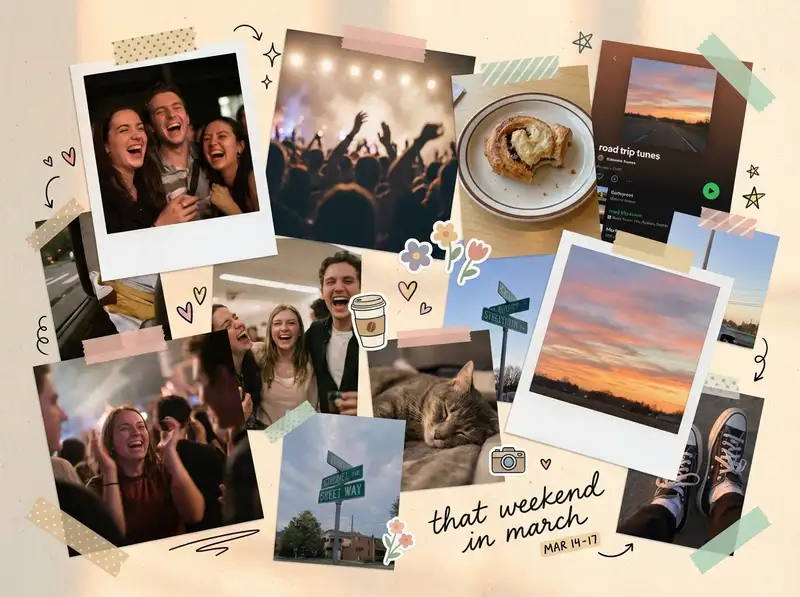
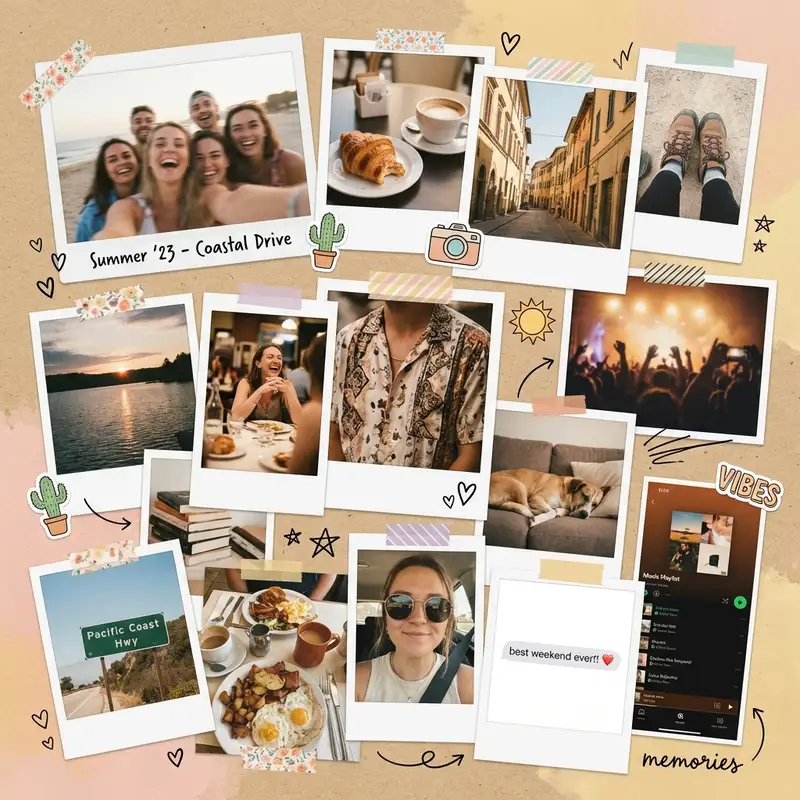
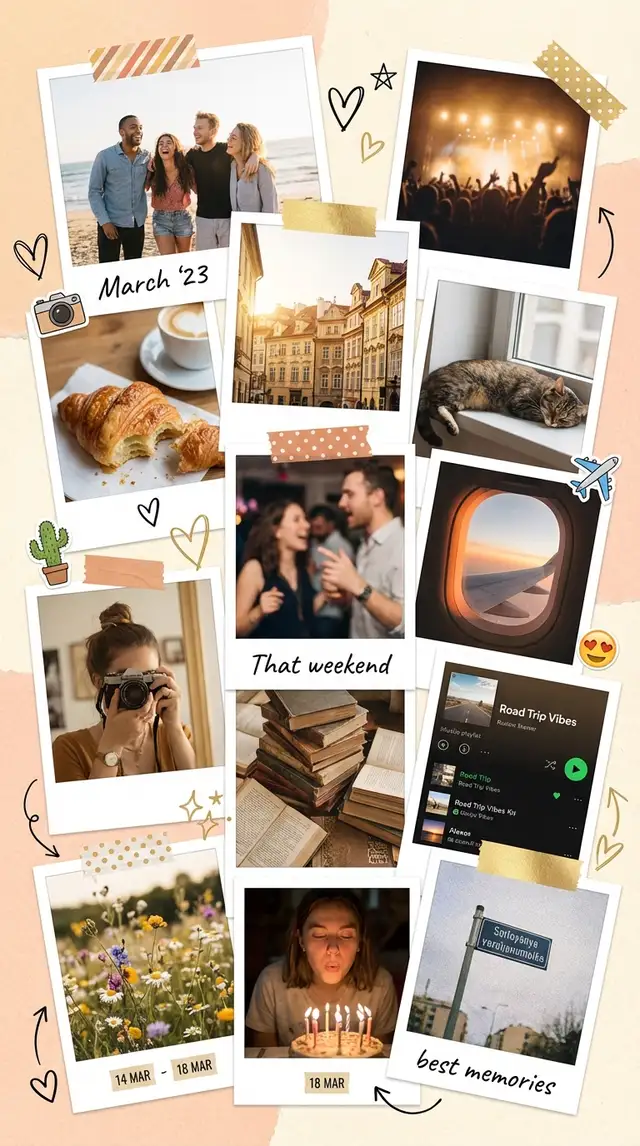
Ingredients
- 8-15 photos from the same week, trip, or era -- the more random, the better
- A mix of intentional shots and accidental ones (the blurry dance floor, the half-eaten meal, the sky you photographed for no reason)
- At least 2-3 candid photos of people caught mid-sentence or mid-laugh
- A warm, textured background from the Backgrounds library -- kraft paper, linen, or warm cream
- Polaroid-style borders from the Sticker Library for 2-3 feature photos
- Optional: washi tape stickers, small doodles, a date stamp
- Optional: one screenshot -- a text, a playlist, a Maps pin -- to anchor the dump in a specific time and place
Steps
-
Open Freestyle and commit to the chaos
Tap Freestyle for a blank square canvas. This is not a grid collage -- grids are for people who plan ahead. You are making something that looks like you emptied your camera roll onto a table and arranged it by feeling. Import 8-15 photos all at once. Do not overthink which ones. The whole aesthetic depends on including photos that are not individually perfect.
-
Scatter and stack with intentional messiness
Resize photos to different scales -- some large, some tiny, some medium. Overlap edges so photos peek out from behind each other. Rotate a few by 2-3 degrees, never more. The tilt should feel like gravity, not a design choice. Let one or two photos get partially hidden behind others. The layering creates depth and makes the viewer lean in.
-
Add Polaroid borders to a few favorites
Open the Sticker Library and search for Polaroid or instant film frames. Drop them behind 2-3 of your best photos. Not every photo -- just enough to break the visual rhythm. The white borders make those photos feel like keepsakes pulled from a shoebox.
-
Warm everything toward the same tone
Tap each photo and open Photo Editing. Nudge warmth up and pull saturation down slightly. Photos from different lighting conditions need to feel like they belong in the same dump. A consistent warm cast -- golden hour energy -- ties together the fluorescent restaurant shot and the outdoor sunset.
-
Fill the gaps with texture
Swipe to Backgrounds and set the canvas to a warm, textured surface -- kraft paper or linen. Then tuck small stickers into the empty spaces between photos: a strip of washi tape across a corner, a tiny heart, a hand-drawn star using the Doodle Tool. These details make the collage feel handmade rather than just cluttered.
-
Drop a date or caption and save
Tap Text and add a small date range or a single word somewhere in the composition. "march" or "that weekend" or just the year. Keep the font casual -- handwritten or rounded sans-serif. Save at full resolution in square format for Instagram, or switch to portrait for Stories.
Variations
Travel Dump Version
Anchor the collage with a Maps screenshot or a photo of a street sign in the center. Surround it with food photos, architecture, candid moments, and one terrible selfie with a landmark. Add a small location name using Custom Text. This version tells a story about a place.
Minimal Dump Version
Cut the photo count to 6-8 and give each photo more breathing room. Skip the stickers and Polaroid frames. Use a clean white background instead of texture. This version keeps the casual energy but strips back the visual noise -- photo dump for people who own linen bedsheets.
Animated Dump Version
Use Animation to make photos drop onto the canvas one at a time, building the pile. Export as a short video and post as a Reel or TikTok. The motion version is inherently more fun and gets shared more than the static one.
Tips
- Include at least one photo that makes you laugh and one that makes you feel something -- that range is the whole point of a dump
- Blurry and grainy photos are not mistakes here -- they are texture
- Use Magic Cutout to lift a person out of a group photo and overlap them onto another image for a playful layered effect
- Square format works best for Instagram feed posts; switch to portrait for Stories or TikTok
- The sweet spot is 10-12 photos -- fewer feels curated, more feels overwhelming
You might also like

Travel Photo Collage
Every trip has a rhythm -- the golden hours, the wrong turns, the meals you still think about -- and a collage is the only format honest enough to hold all of it at once.

Best Friend Photo Collage Gift
The friendship recap nobody asked for but everyone cries over -- from the first terrible selfie to last weekend's proof that nothing has changed.

Aesthetic Mood Board Collage
You already know the feeling you want -- now give it a shape.

Graduation Memory Board
Four years compressed into one frame -- the late nights, the people, the becoming.