How to Make a Hanukkah Photo Collage for Eight Nights
Make an eight-photo Hanukkah collage with one family moment for each night, readable labels and a real browser-editor example you can follow.

Eight nights do not have to become eight nearly identical photographs of lights. A family page can include cooking, a game, a visit, a shared meal and a quiet conversation. This walkthrough gives each night’s associated memory the same-sized frame, while keeping photographs within your household’s own practice.
In 2026, Hanukkah begins at sundown on December 4 and ends at nightfall on December 12. The Hebcal calendar lists the eight lightings through December 11. If your family does not photograph during Shabbat or another part of observance, use a permitted preparation photograph with an honest label, or leave that moment unpictured.
Make an eight-moment shortlist
Choose one image associated with each night. It can be a person, a dish, a gift prepared or a table set earlier in the day. Confirm dates from your own photo library rather than guessing from the number of candles visible. The page is a family memory, not an instruction sheet for lighting.
The AI practice pack uses fictional domestic scenes and no menorah. It explains the layout without pretending to document anyone’s observance.
Step 1: Choose a square with room for eight frames
Open the maker and select 1:1 in Canvas shape. Plan two rows of four pictures and a heading outside them. If the faces become too small, make a larger print proof or split the record into two pages; a phone screen has a practical limit.
Step 2: Import the permitted photographs
Use Photos and Add photos to bring in the eight JPGs. Arrange their order in your shortlist before placing them on the canvas. Keep the original files so a frame can be replaced later without relying on a compressed message attachment.
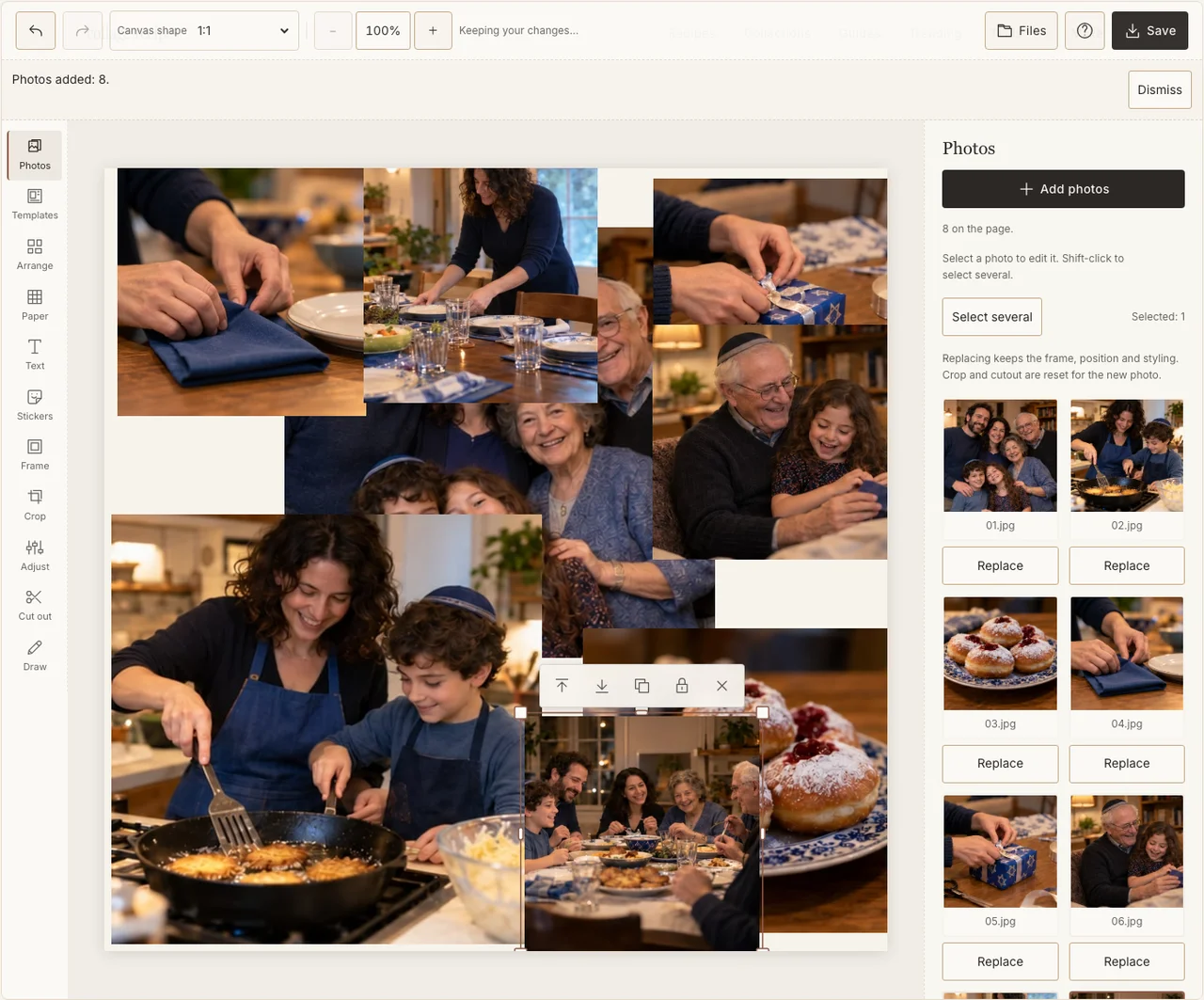
A real desktop-editor capture using fictional AI demonstration photographs.
Step 3: Keep the sequence even
In Arrange, make two clear rows with consistent frame sizes. Read from left to right, then the next row. Leave a little paper space for the labels rather than placing numbers over faces. A larger final-night picture would change the page into a highlight reel; use that only if it is the story you intend.
Step 4: Preserve the difference between evenings
Use Adjust to bring an especially dim picture closer to the others, keeping enough natural warmth to recognize the room. Do not add flames or change an image to make its candle count appear to match a different date. A consistent plain Frame border can connect the evenings without altering the record. If your browser reports that photo adjustments are unavailable, keep the original colors and continue with frames, text and saving; those controls still work.
Step 5: Label the memory rather than reconstructing a ritual
Add a short heading in Text and a small night number or actual date beside each picture. A preparation photo can say what it shows. Choose a quiet Paper background and keep decorative symbols optional; the names, dates and photographs already carry the family story.
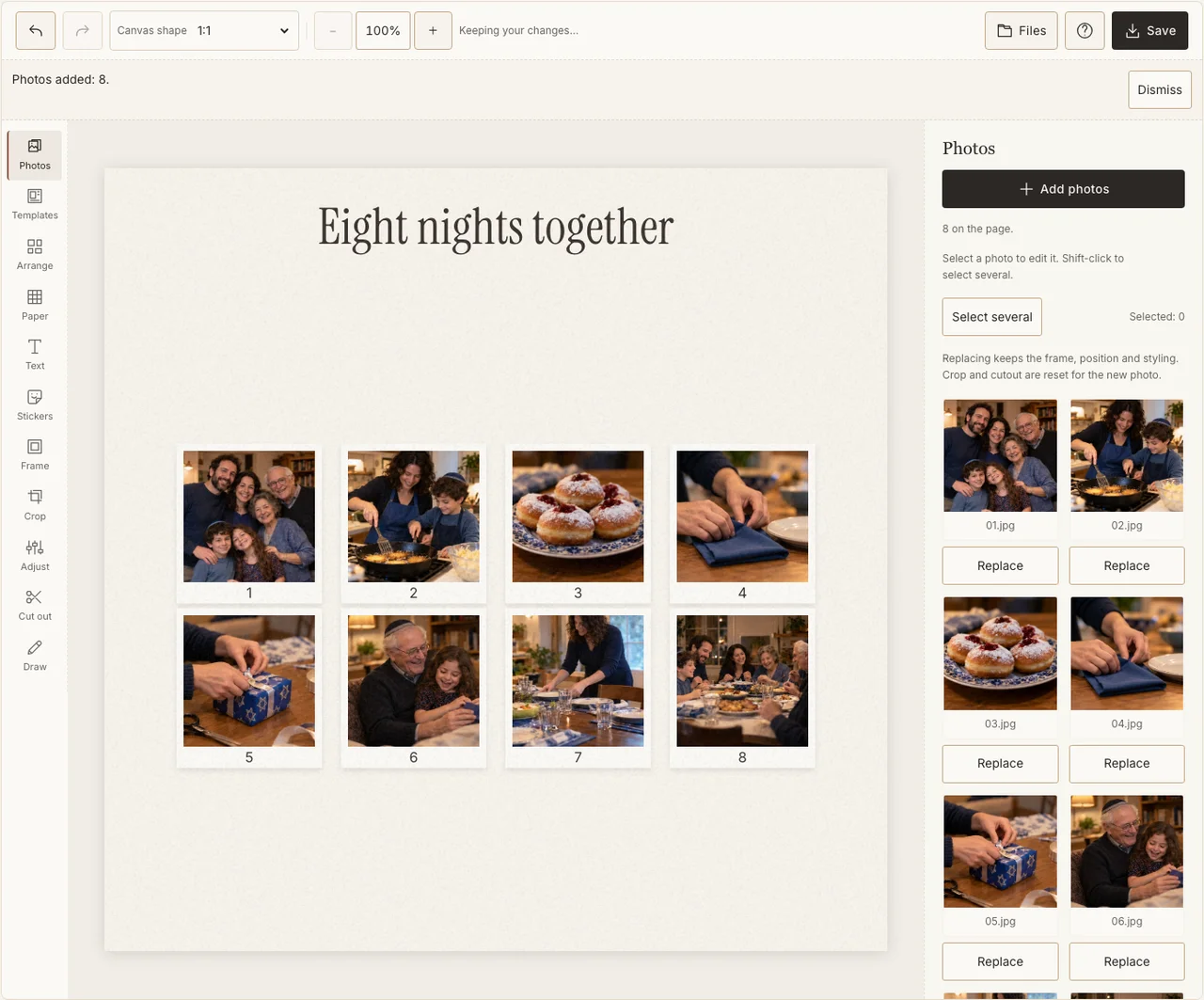
A real desktop-editor capture using fictional AI demonstration photographs.
Step 6: Check the downloaded sequence
Choose Share in Save, prepare the JPG and download it. Open it and check that the order and labels remain readable. If a family member spots a date error, correct the editable project and export again rather than circulating a knowingly inaccurate version.
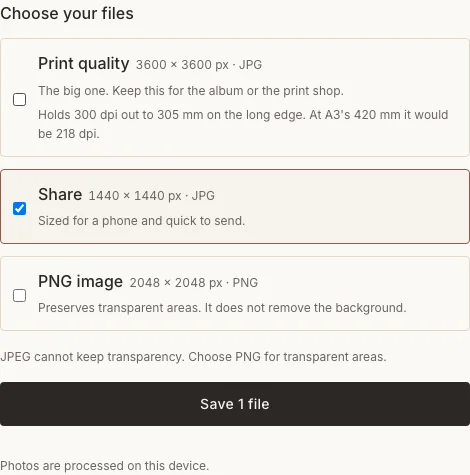
A real desktop-editor capture using fictional AI demonstration photographs.
If eight frames are too small
| Concern | Change |
|---|---|
| Faces disappear at phone size | Make two four-photo pages or use clearer, closer photographs. |
| You have no permitted image for one evening | Leave a gap or use an accurately described associated moment. |
| The dates are uncertain | Check the originals or omit a date that cannot be confirmed. |
Frequently asked questions
Must every photo show candles?
No. The page can record the people and activities around your family’s eight nights. A food photograph or a relative’s visit can carry a particular memory without being a lighting photograph.
Can I make the page before December 4?
You can prepare the layout or make an advance greeting using older photographs. A record of the 2026 nights should be completed as those moments happen.
Should I add Hebrew lettering for decoration?
Use wording you can confirm and read. If you want Hebrew text, ask someone who uses it to check the exact words and the exported result. A plain family caption is better than unverified decorative script.
Keep making
For the mechanics of photo arrangement, see the basic collage tutorial.