Tiny photo tools.
In your browser.
Each tool does one thing well. Nothing uploads anywhere — your photos stay on your device. These are beta experiments; for serious collage work, we'll always point you toward a real app.
AI cutout & subject
Cut subjects out of any photo, drop them onto new backdrops, run type behind them.

Background Remover
Cut the background out of any photo in one click.
On-device AI. Transparent PNG. Works best on portraits, pets, products, and plants.
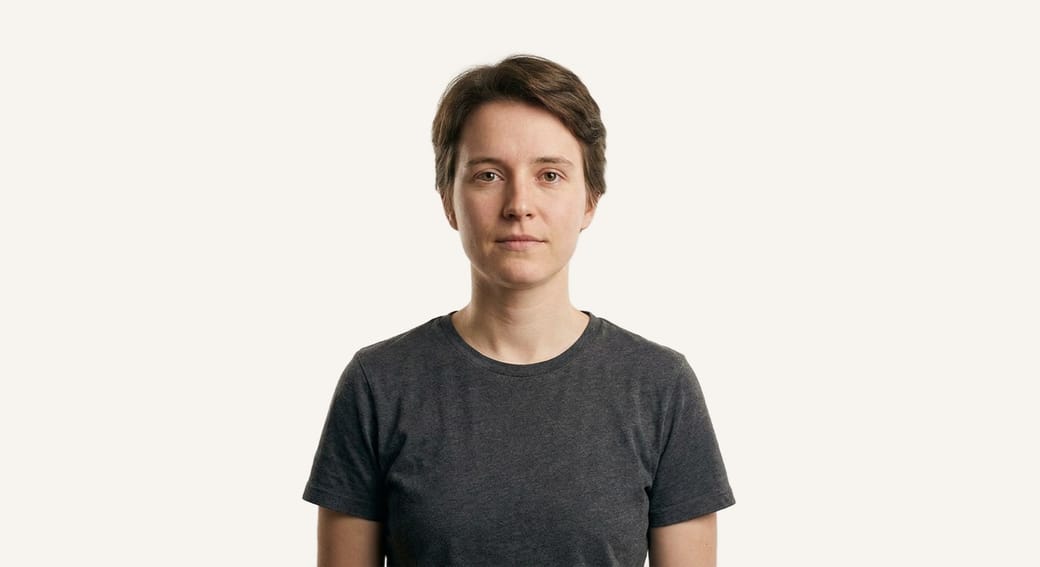
Background Replace
Drop your subject onto paper, gradient, or your own backdrop photo.
14 backdrop presets, custom hex, custom photo upload. Same AI cutout as the remover.

Text Behind Subject
Drop a word behind your subject, magazine-cover style.
Same AI that powers the remover, plus editable type. Movie-poster effect in two clicks.
Effects & looks
Six pixel transformations — film grain to halftone to pencil sketch to two-color duotone.
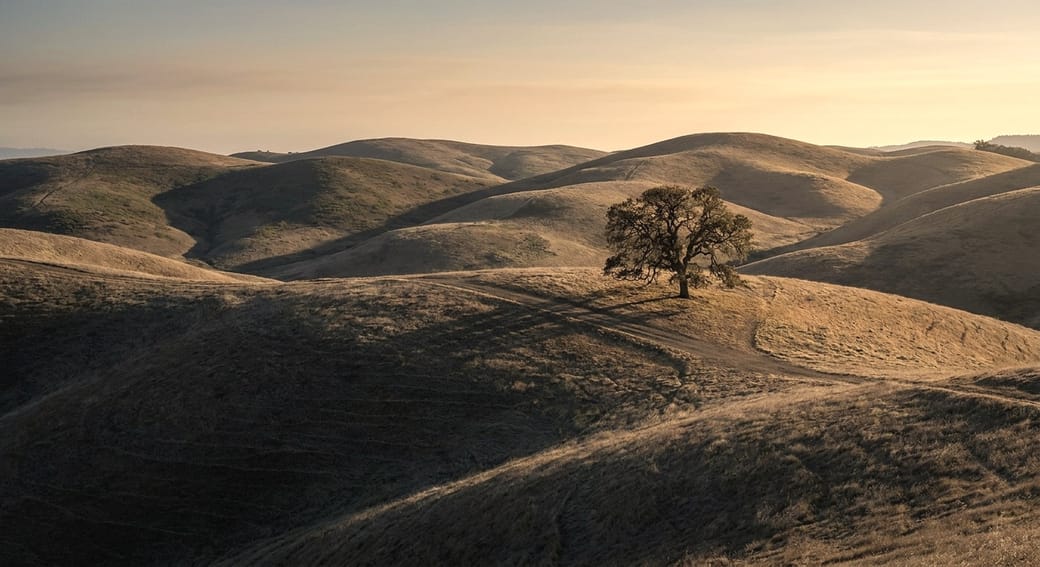
Photo Filters
Nine presets, one photo — vintage to cinematic.
Sepia, Polaroid, scrapbook warm, moody grain. Plus brightness, contrast, saturation.
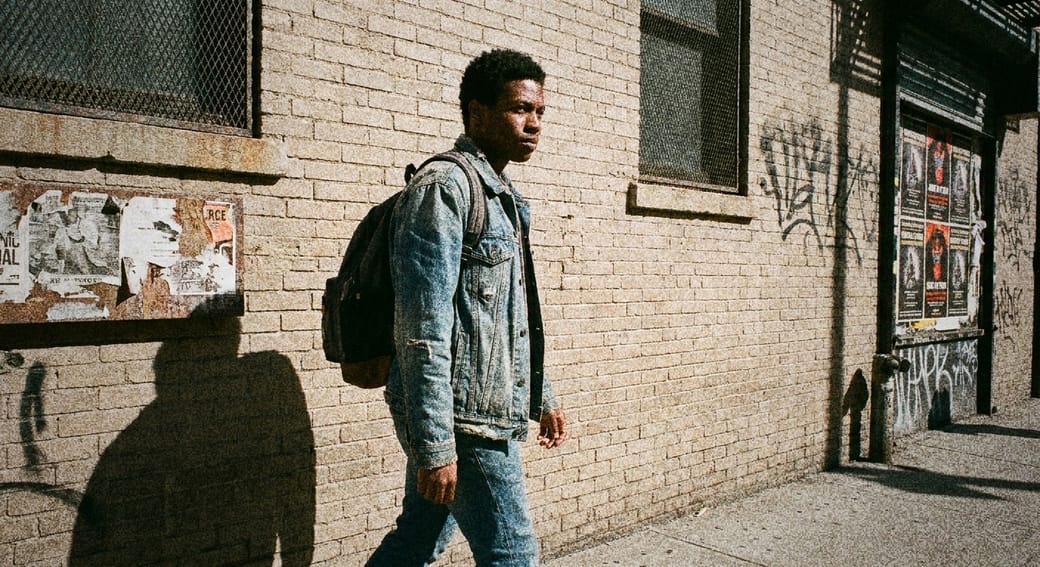
Film Grain
Tri-X, Kodak Gold, Lomo — pick a roll, see the grain.
Six film looks plus custom sliders. Mono or chroma noise, vignette, warmth.
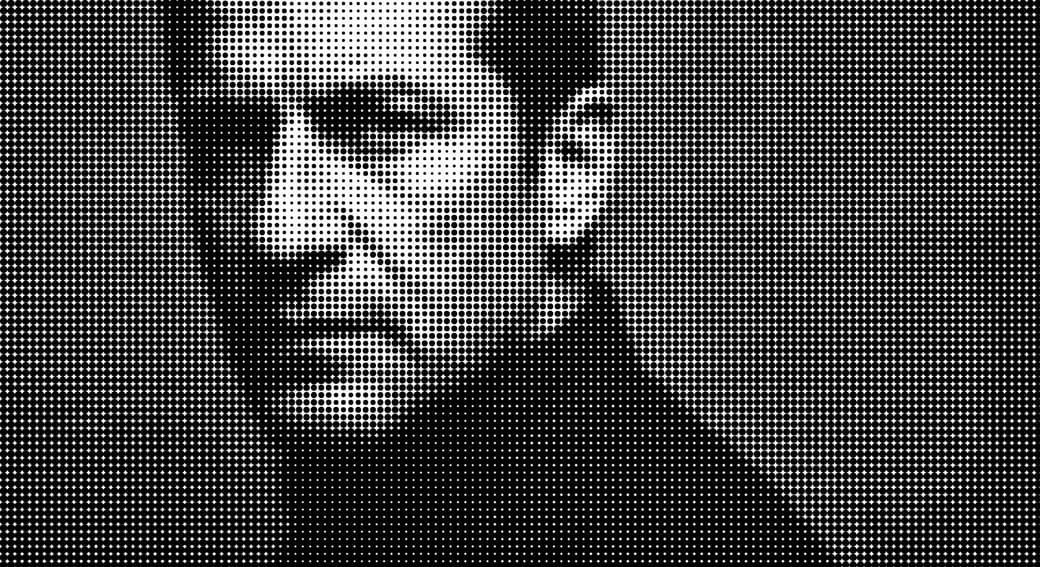
Halftone Effect
Comic dots, risograph red, punk-zine textures.
Eight color presets, three sliders. Photo becomes pattern.
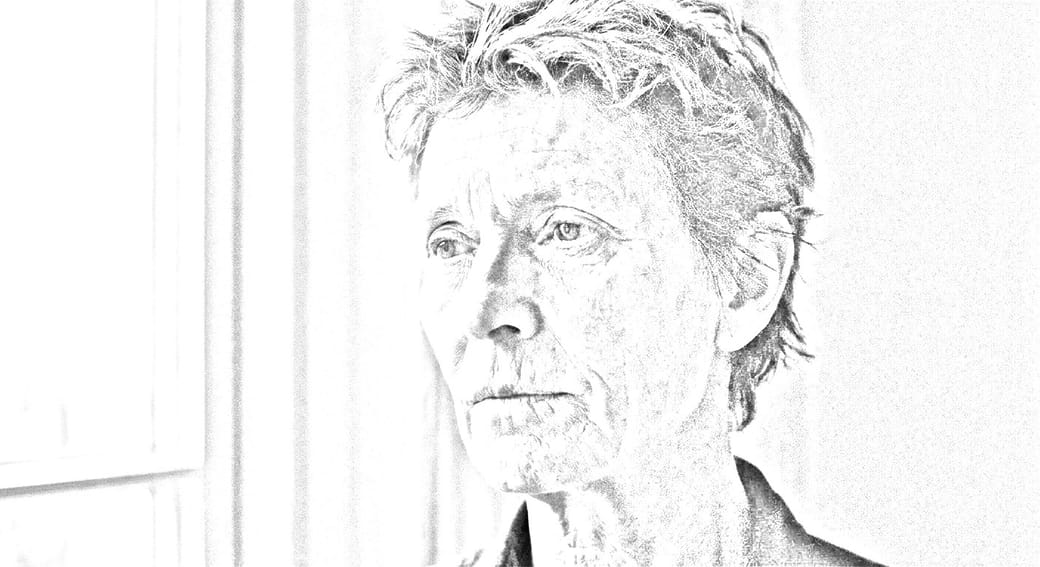
Pencil Sketch
Photo to graphite drawing in two clicks.
Pencil, sepia, charcoal, ink line, soft shading, color tint.
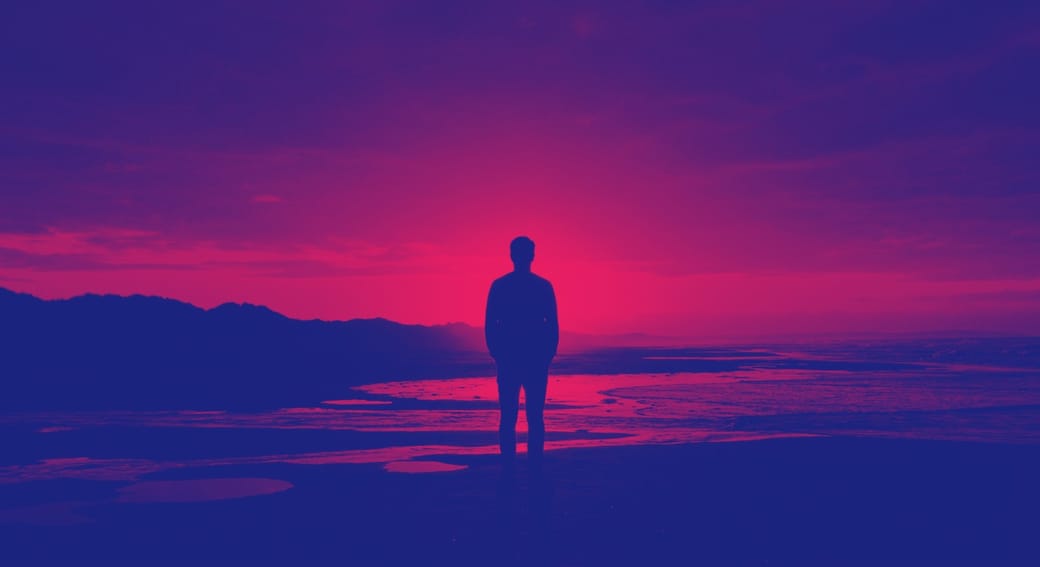
Duotone Effect
Map photo to two colors — Spotify, sunset, riso.
Eight presets, custom shadow & highlight pickers, contrast slider.
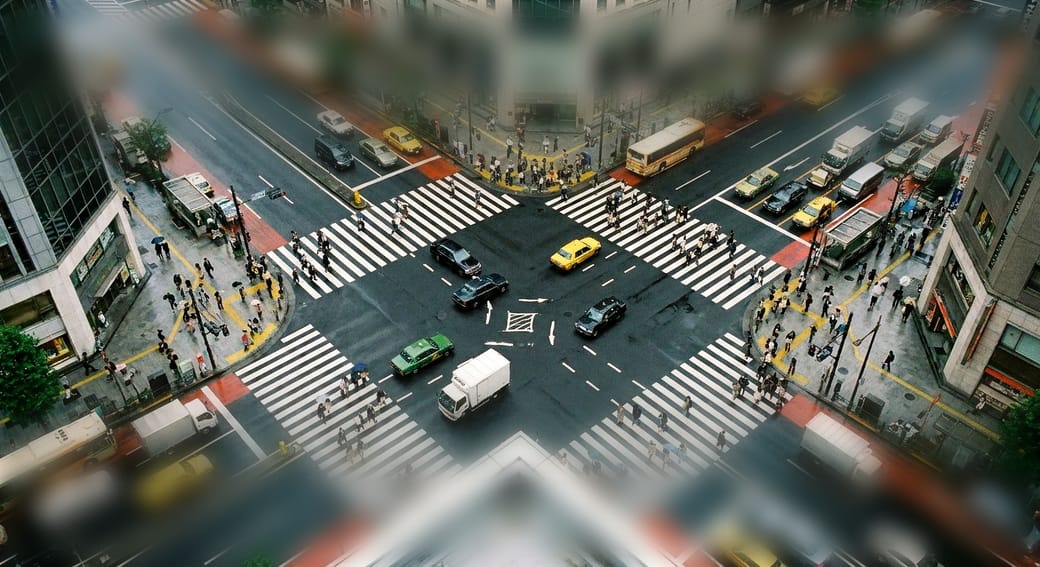
Tilt-Shift Effect
Make real cities look like tabletop dioramas.
Three focus shapes (band, slice, radial), blur strength, miniature mood crank.
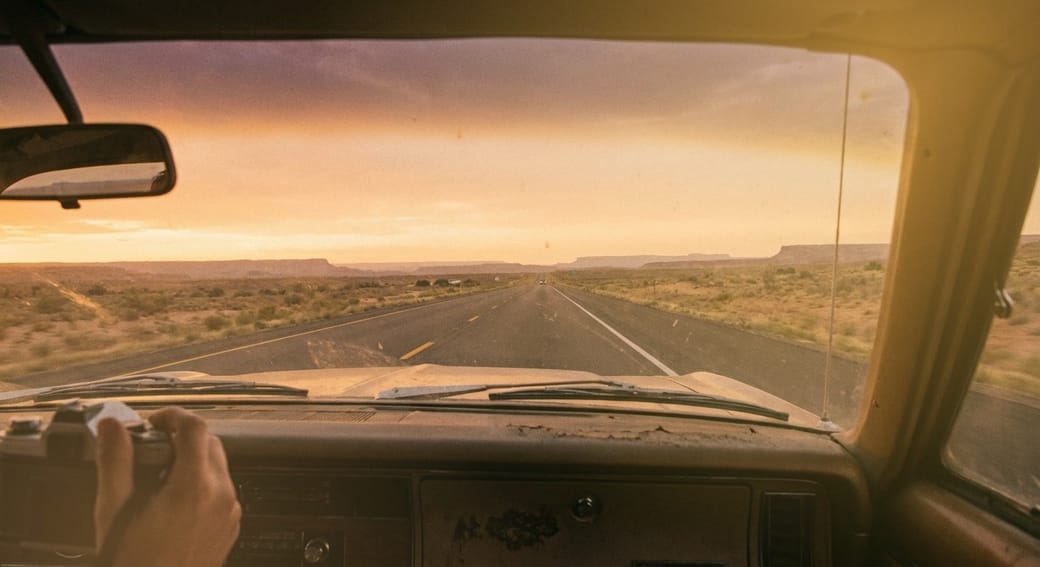
Light Leak
Sunset, lomo red, golden hour — bleed light into corners.
Eight leak presets, intensity slider, flip controls, optional grain.
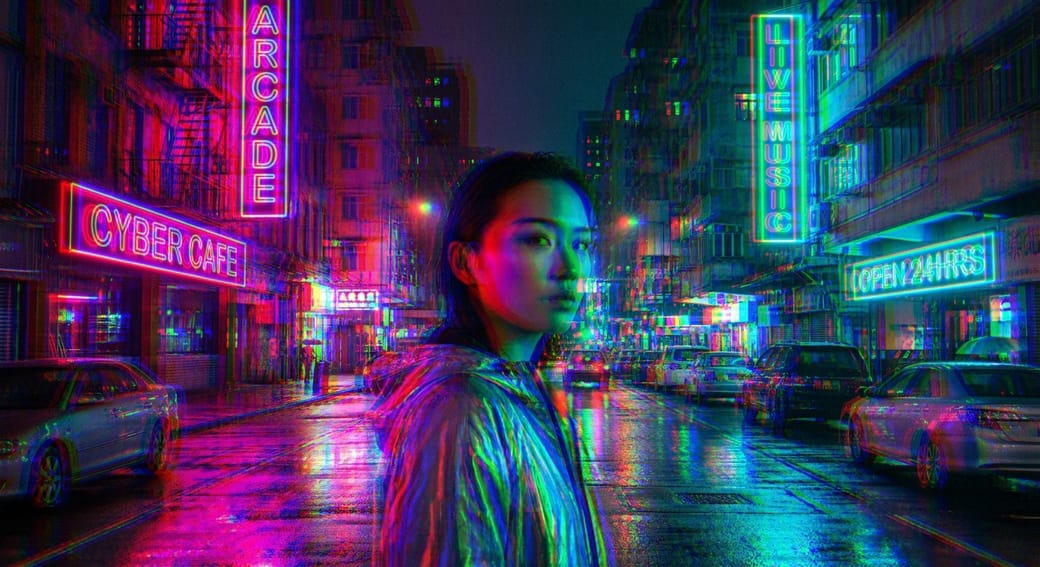
RGB Glitch
VHS bands, anaglyph 3D, CRT scanlines, chromatic aberration.
Six presets — Subtle through Heavy. Shift slider, direction angle, reshuffle for fresh band patterns.
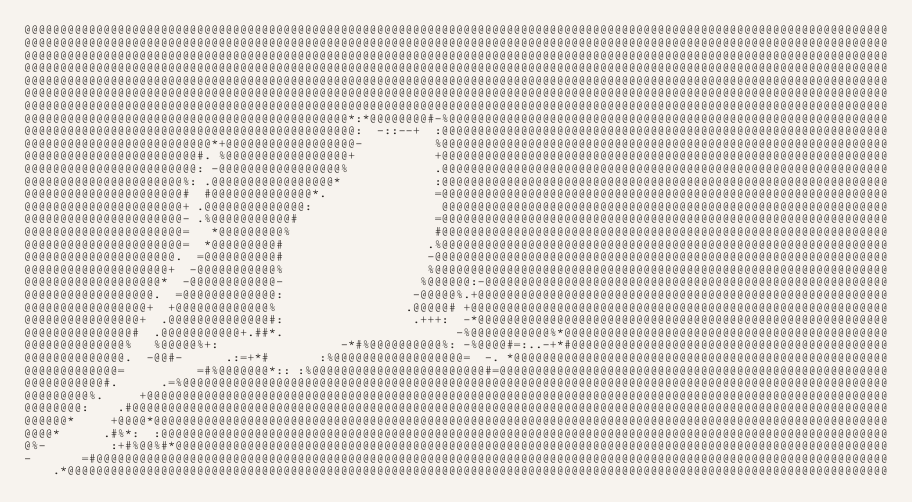
ASCII Art
Convert any photo to typed characters.
Light/dense/block/custom charsets, mono or color, paper backgrounds. Download as PNG or copy plain text.
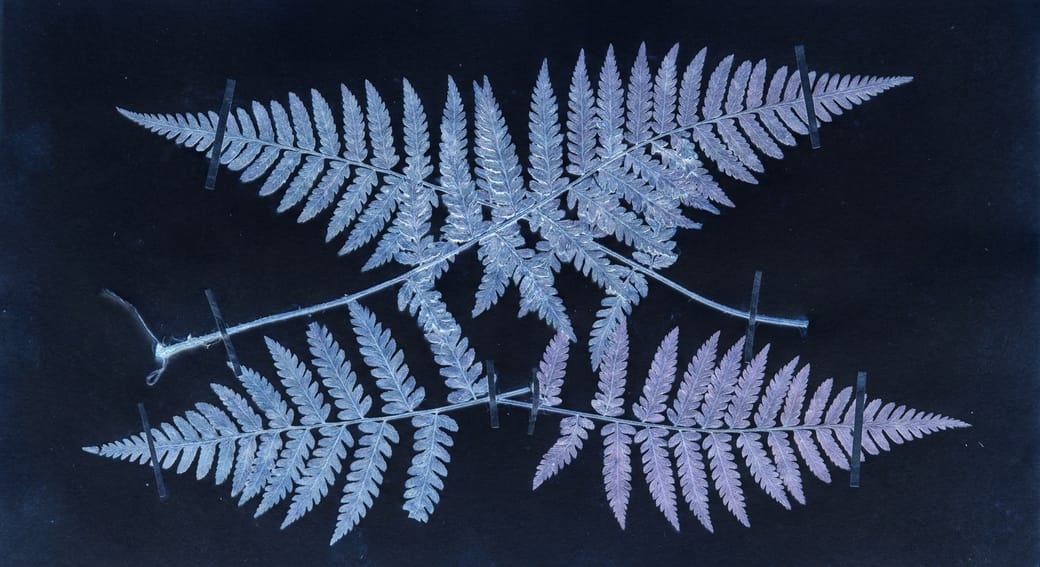
Photo Negative
Pure invert, cyanotype, blueprint, X-ray, darkroom, sepia negative.
Six modes, intensity blend, contrast slider. The Anna Atkins of online photo tools.
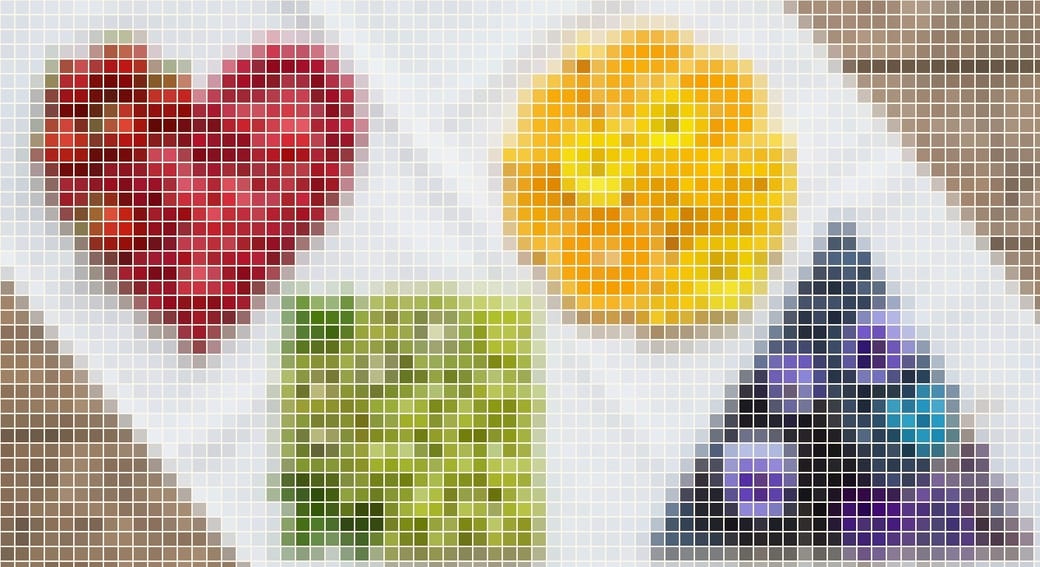
Photo Mosaic
Photo as tiles with grout-color gaps.
Square, rounded, circle, or diamond tiles. Tile size + gap + grout color sliders.
Adjust
Brightness, contrast, saturation, hue, blur — seven sliders.
No presets. Pure access to the canvas adjustment primitives. The Photo Filters menu when nothing fits.
Frames & layouts
Polaroids, photo-booth strips, diptychs, paper mats, cookie-cutter shapes.
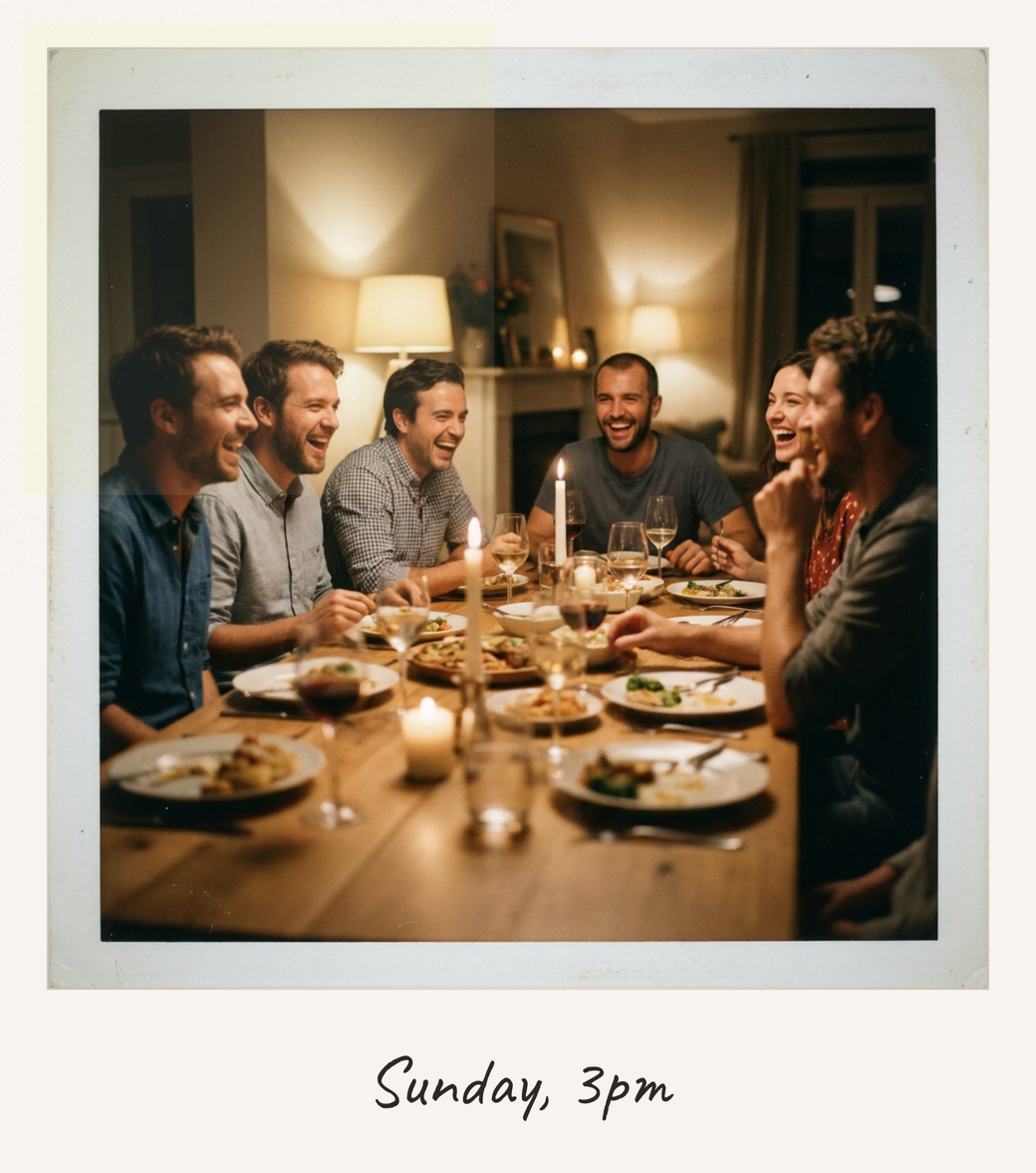
Polaroid Maker
Any photo, wrapped in paper with a handwritten caption.
Four paper tints, four film looks, jaunty tilt slider, red date stamp.
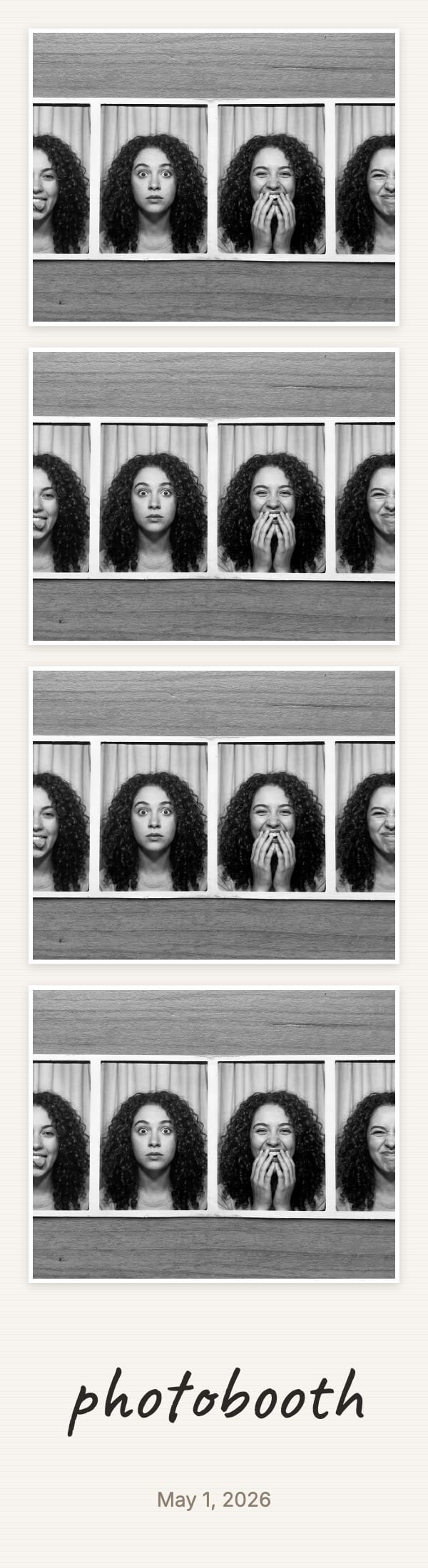
Photo Strip Maker
Four photos, B&W mode, handwritten caption.
Print-ready 3"×11" booth strip. Cream, white, kraft, or ink paper.
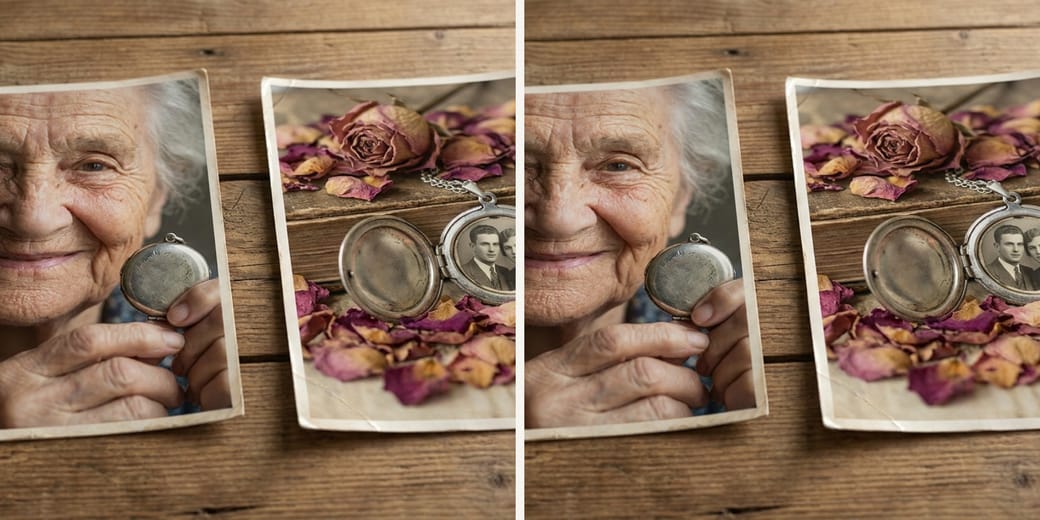
Diptych Maker
Two photos, side-by-side or stacked.
Adjustable split, gap, paper background. Four output sizes.
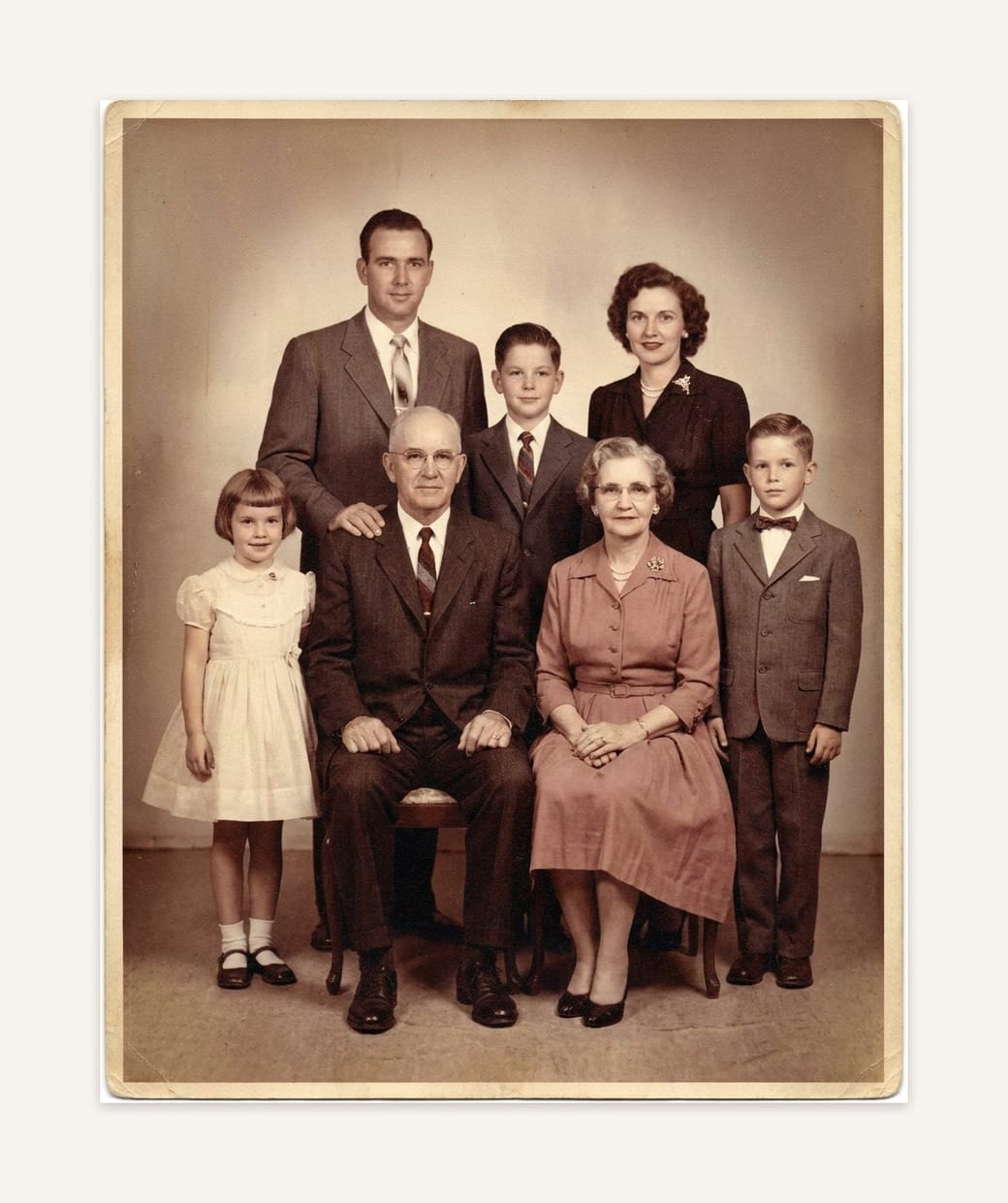
Photo Mat & Border
Paper mat for prints, journals, framed walls.
Eight mat colors, four borders, optional caption. Photo stays full-res.
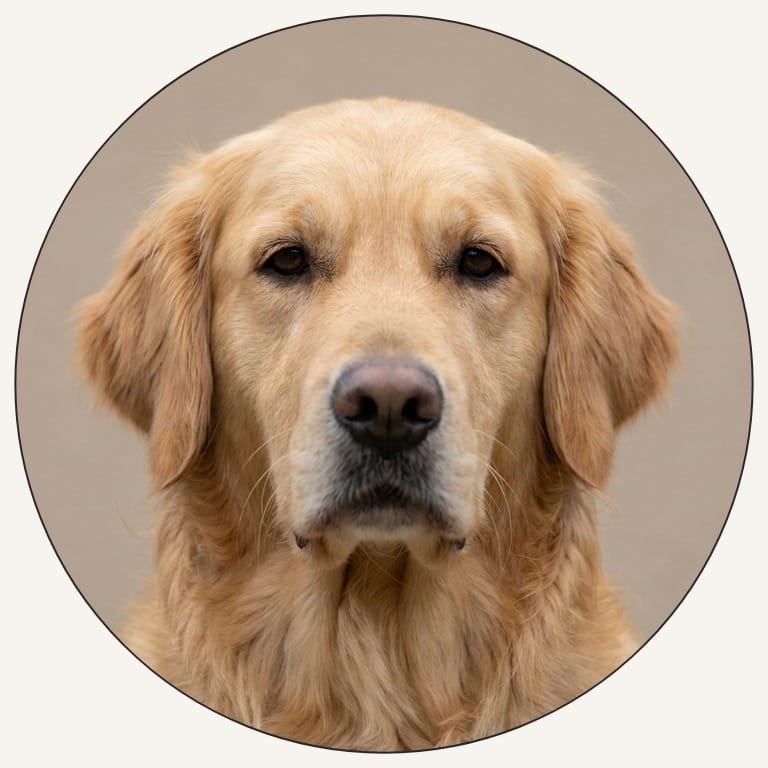
Shape Crop
Circle, heart, star, arch — pick a cookie cutter.
Seven shapes, eight backdrops, three frame styles. Transparent PNG when you want one.
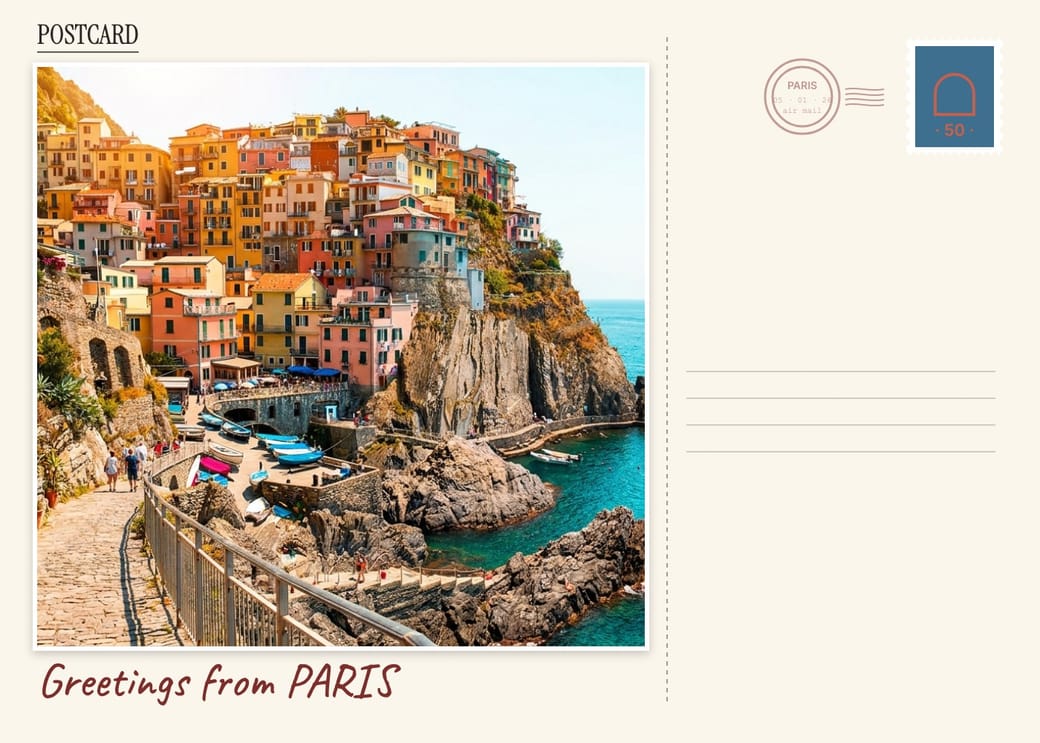
Vintage Postcard
Greetings caption, faux stamp, postmark, paper texture.
Print 5×7, hand-write the back, drop in a mailbox. The postcard your phone roll never wrote.
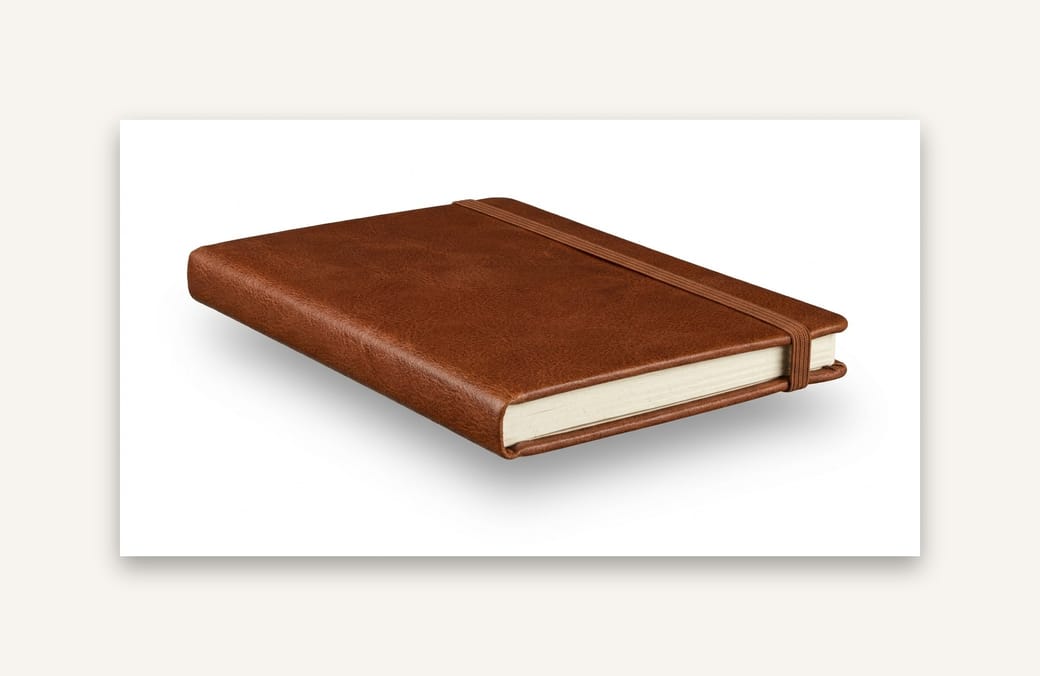
Drop Shadow
Float a photo over paper for portfolios and mockups.
Six presets — lifted, pasted, sharp, long, glow. Full shadow controls, optional tilt, transparent PNG.
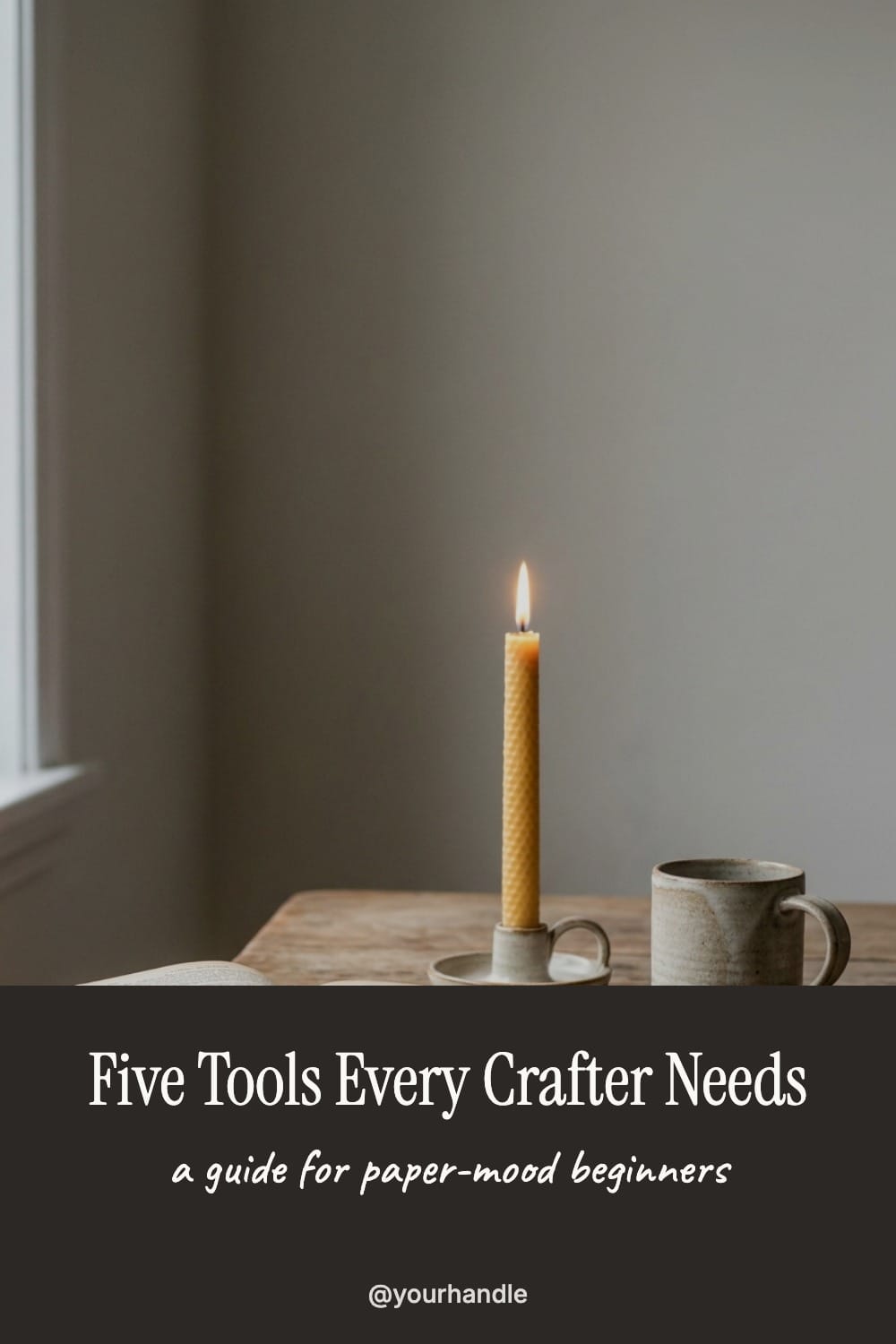
Pinterest Pin Maker
Drop a photo, type a title, pick a layout. 1000×1500 native.
Five layouts (top, bottom, band, gradient), four fonts, custom band colors, photo darken slider.
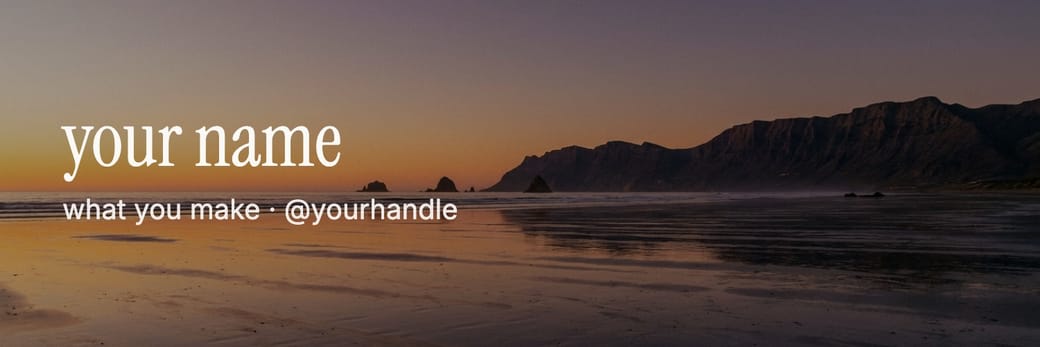
Social Banner
X, LinkedIn, or YouTube cover with title overlay.
Three platform presets including YouTube safe-area. Four fonts, three alignments, photo darken.
Decorate
Captions, washi tape, vintage date stamps, watermarks for sharing safely.
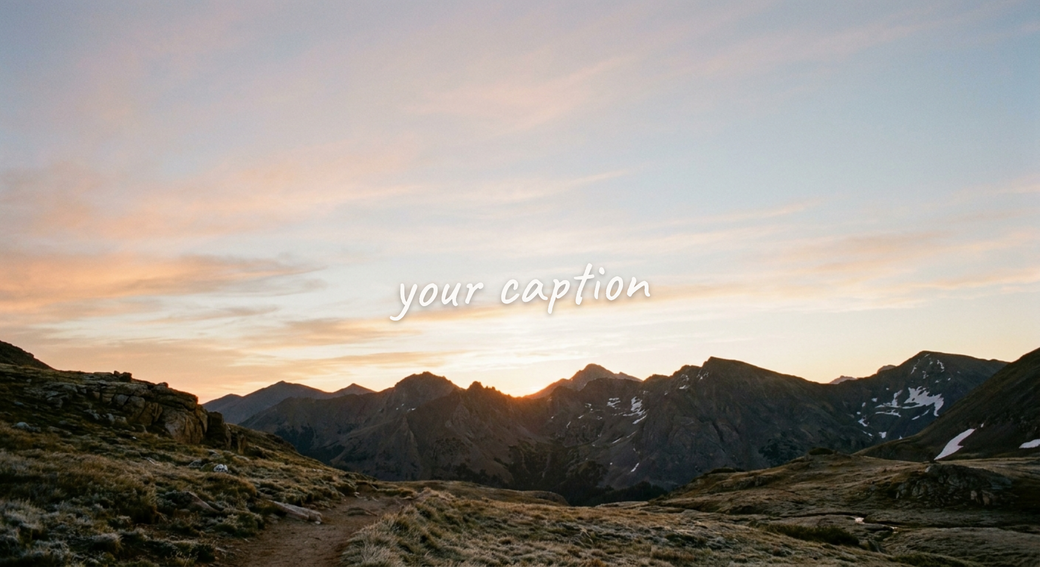
Add Text to Photo
Handwritten captions, magazine headers, or a quick scribble.
Caveat, Instrument Serif, or Inter. Drag, rotate, recolor, export PNG.
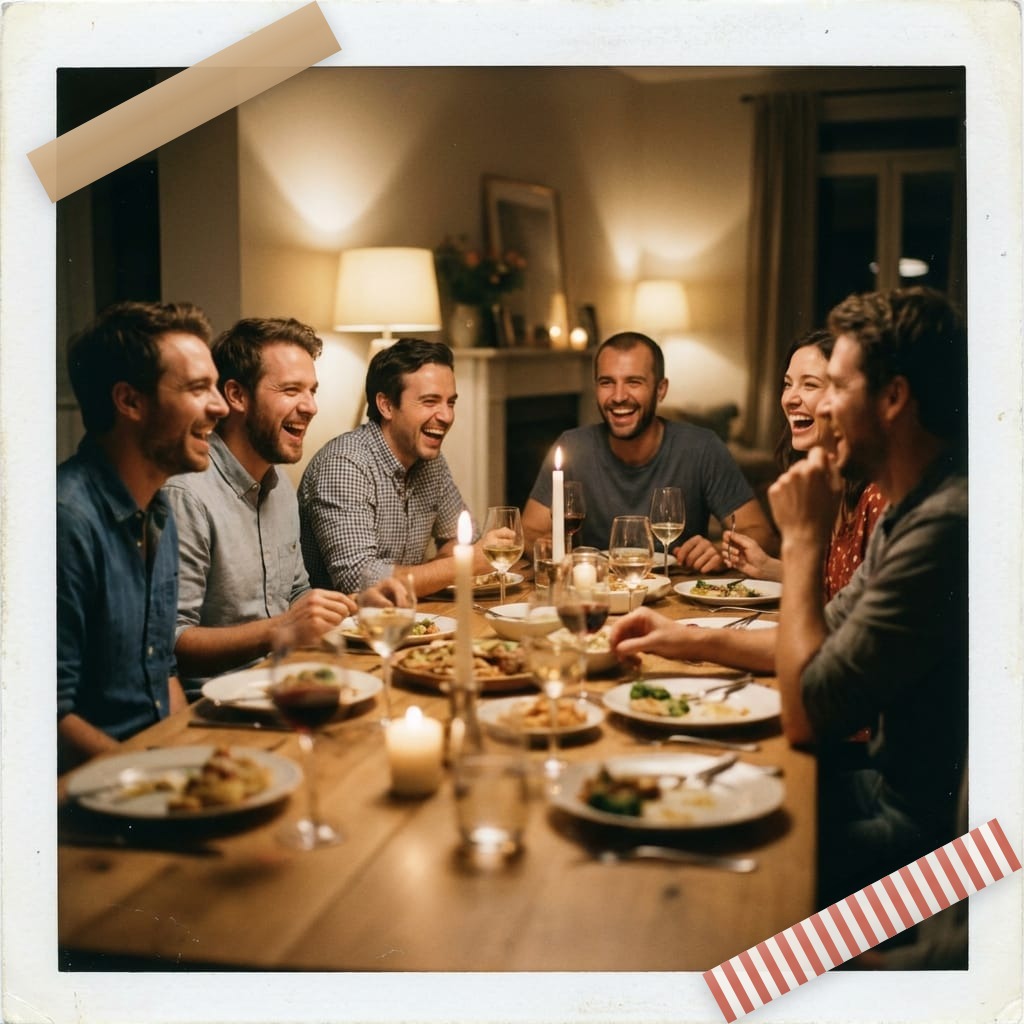
Washi Tape Overlay
Stick paper-mood tape onto any photo.
Ten styles — kraft, terracotta, polka dots, B&W stripes. Drag, twist, repeat.
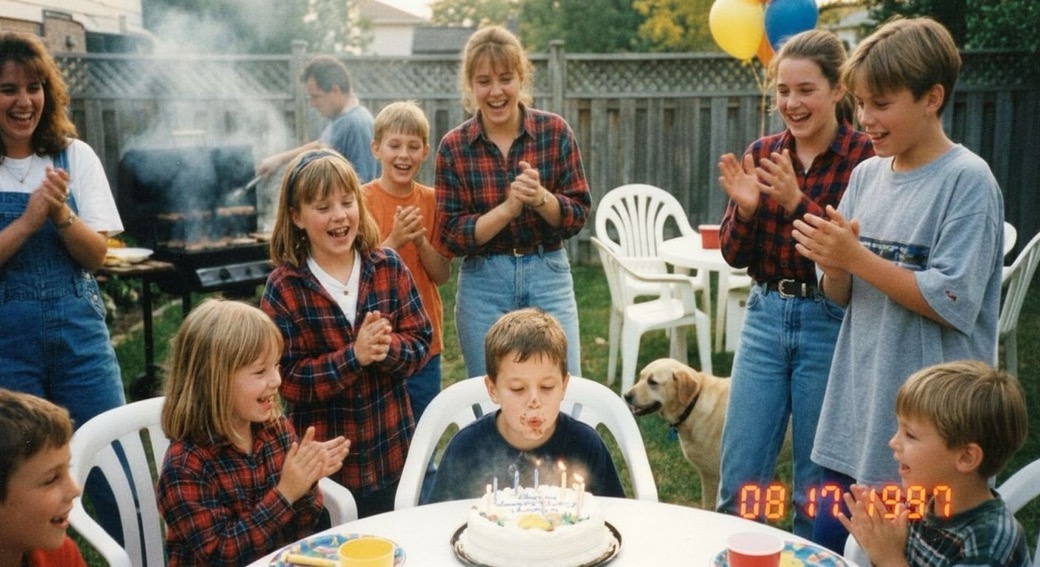
Vintage Date Stamp
LED red, Kodak yellow, camcorder amber.
Stamp any photo with a 90s-style date. Four styles, six formats, drag to position.
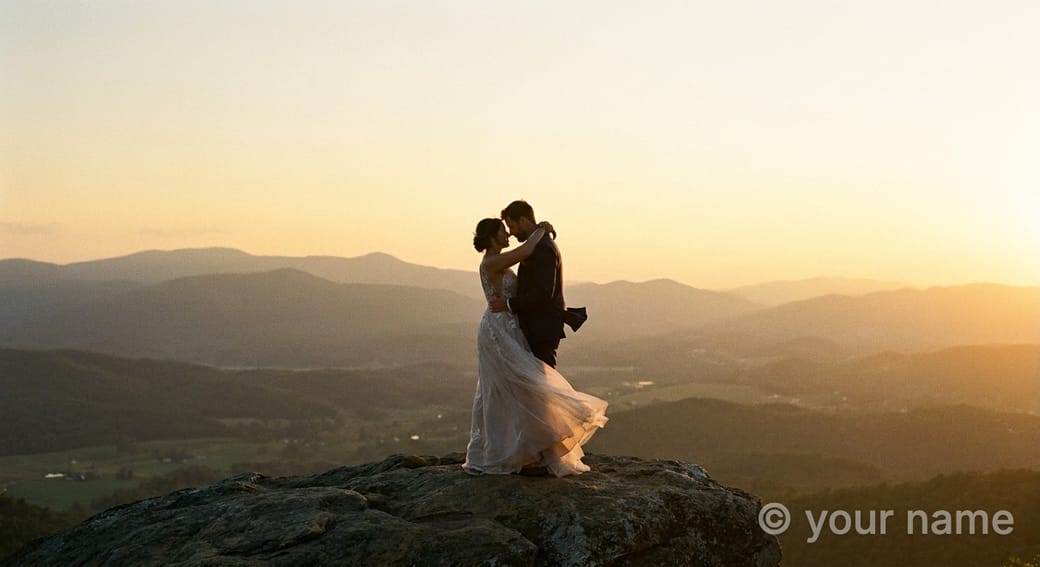
Photo Watermark
Corner sign-off or full diagonal tile.
Inter, serif, handwritten, mono. Six positions, free rotation, opacity slider.
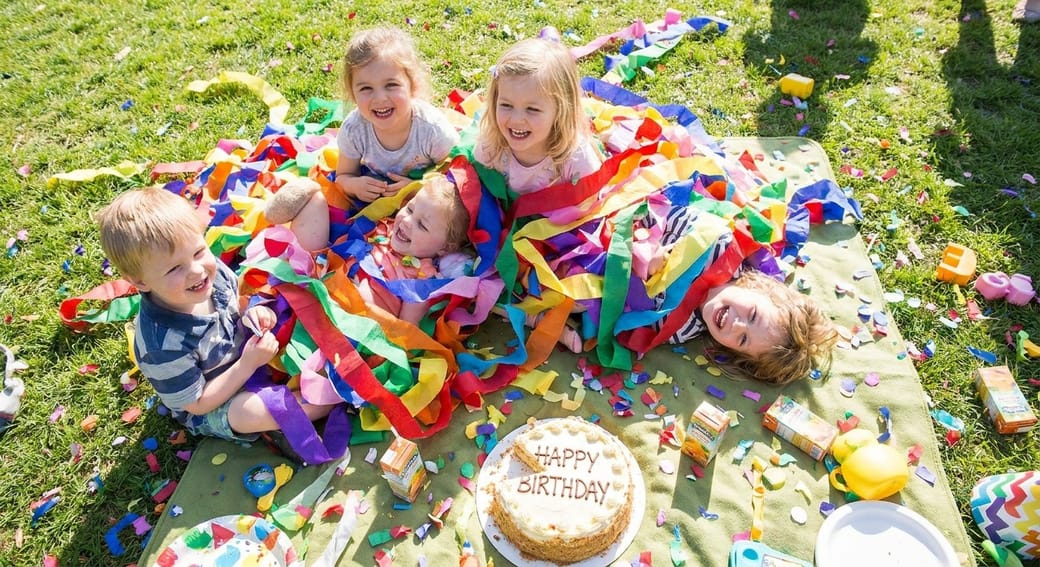
Sticker Overlay
Hearts, stars, flowers, smileys, paper tags, HELLO labels.
Nine procedural stickers. Click anywhere to drop one. Drag, scale, rotate, recolor.
Crop & convert
Re-size for social, flip and rotate, rescue iPhone HEIC files.
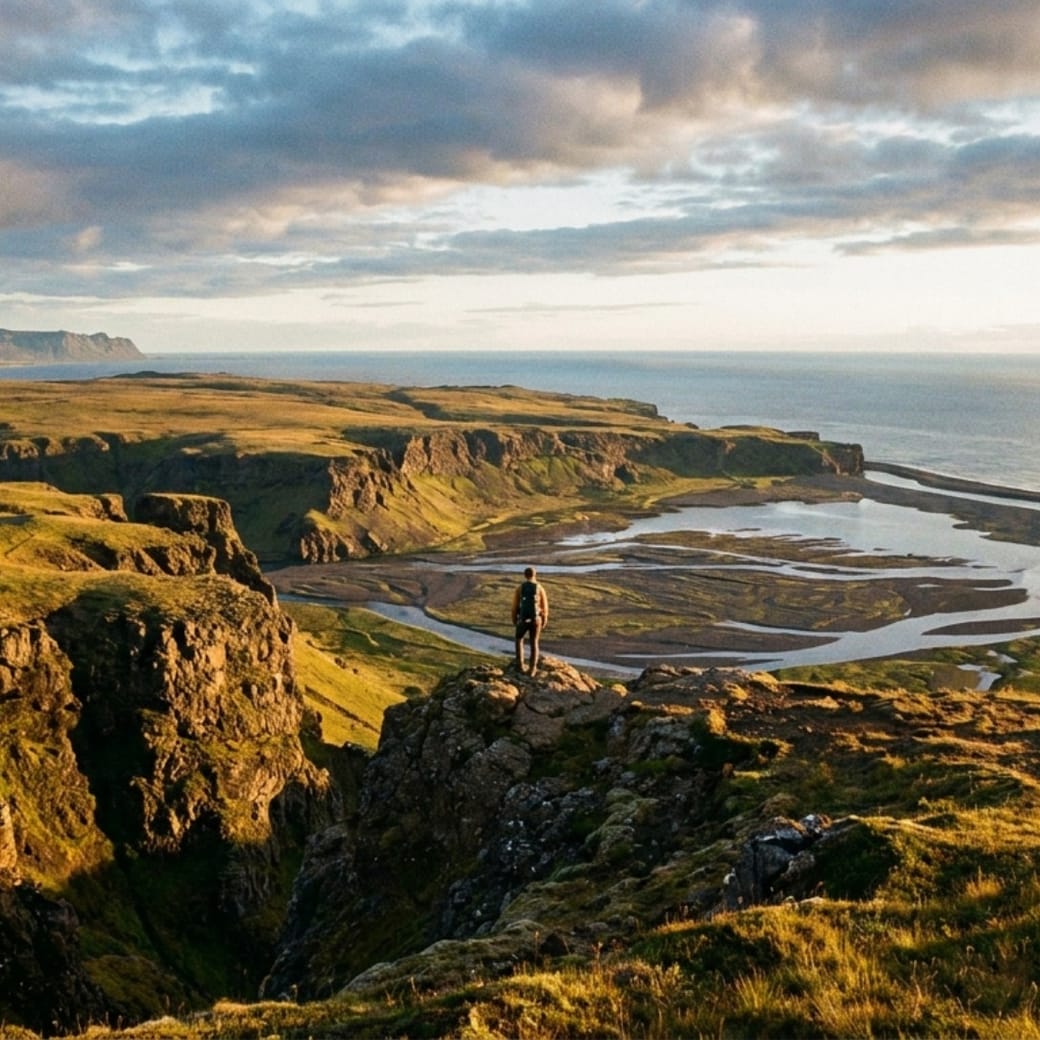
Crop & Resize
Square for IG, 9:16 for stories, 2:3 for Pinterest.
Eight social presets plus custom. Crop fills, letterbox keeps every pixel.
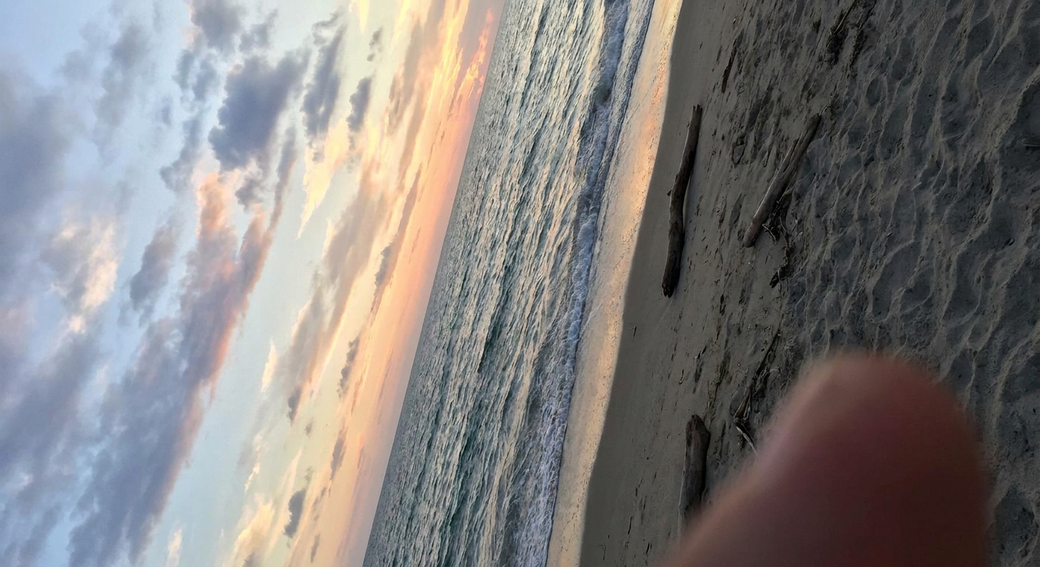
Flip & Rotate
Mirror a selfie, un-tilt a scan, turn a sideways shot upright.
Horizontal/vertical flip, 90° turns, fine-angle straighten.
HEIC to JPG / PNG
iPhone photos that open on everything.
Batch-drop a pile of .heic files. Pick JPG (with quality slider) or lossless PNG.
Privacy & utility
Redact, strip metadata, compress, extract palettes, generate QR codes.
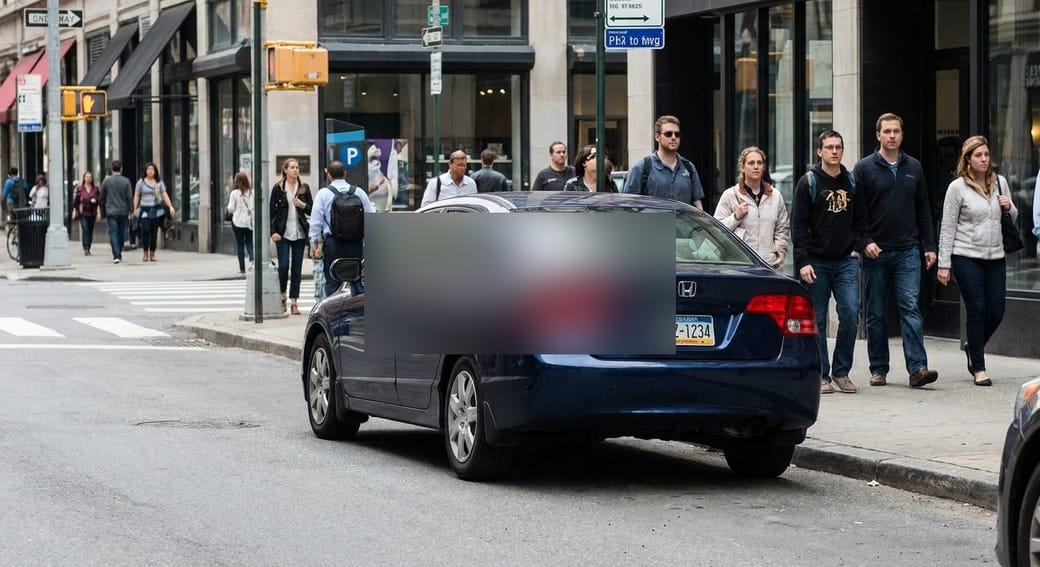
Blur & Pixelate
Hide faces, plates, addresses — drag a patch over the spot.
Soft blur, mosaic pixelate, or solid black bar. Multi-patch.
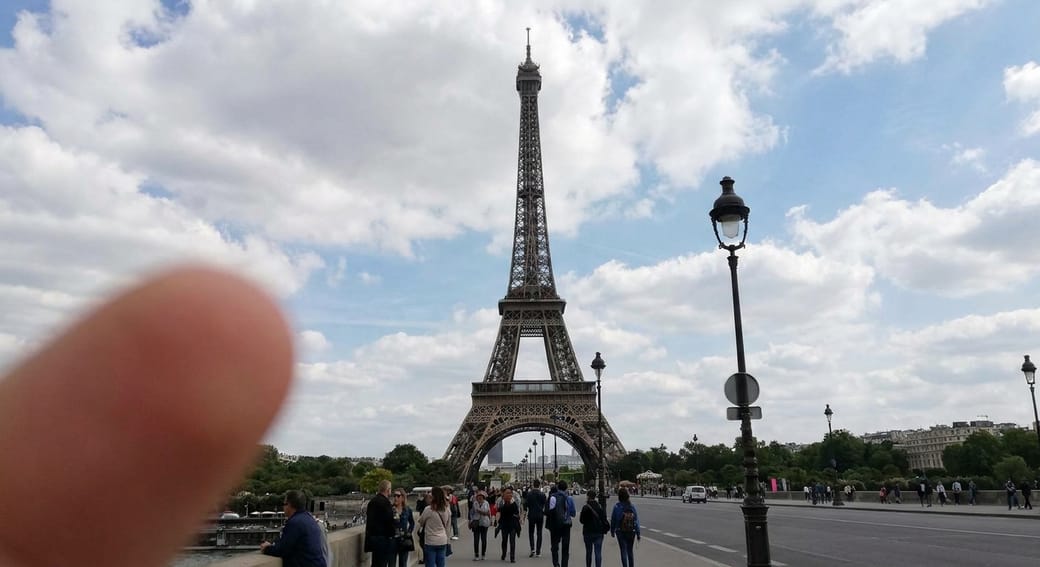
EXIF Stripper
Remove GPS, camera info, timestamps before posting.
Lossless byte-level metadata strip. GPS detected gets a warning.
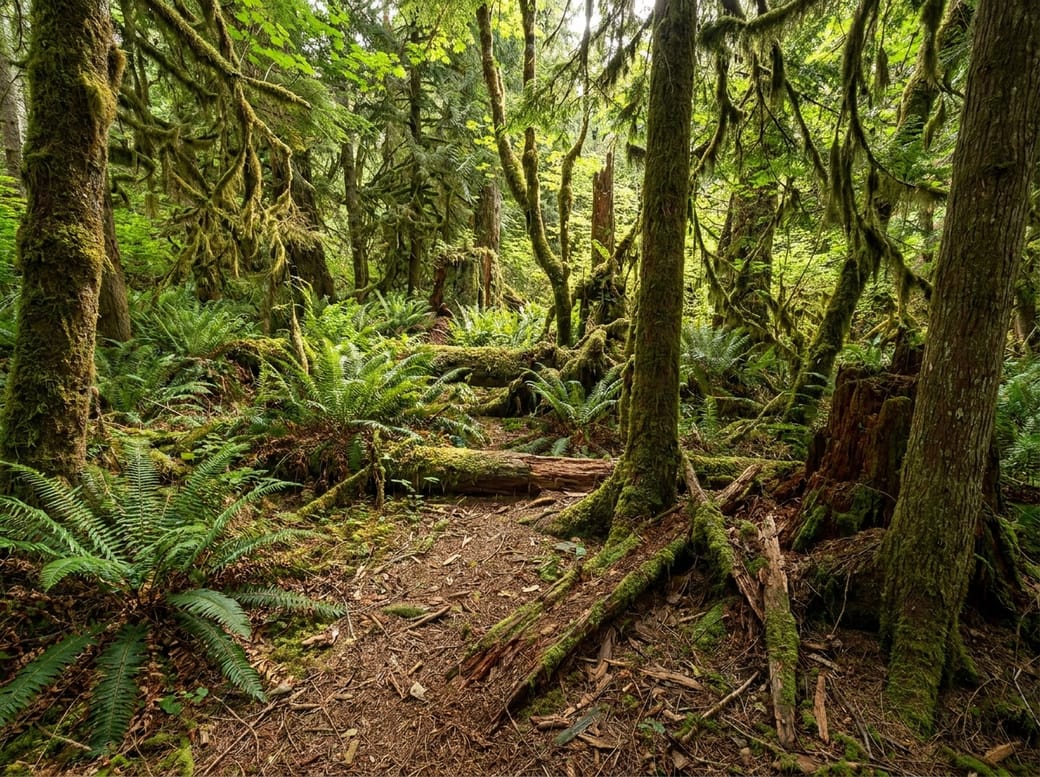
Image Compressor
Smaller JPG, WebP, or PNG — same look, less file.
Live quality slider, format swap, optional resize.
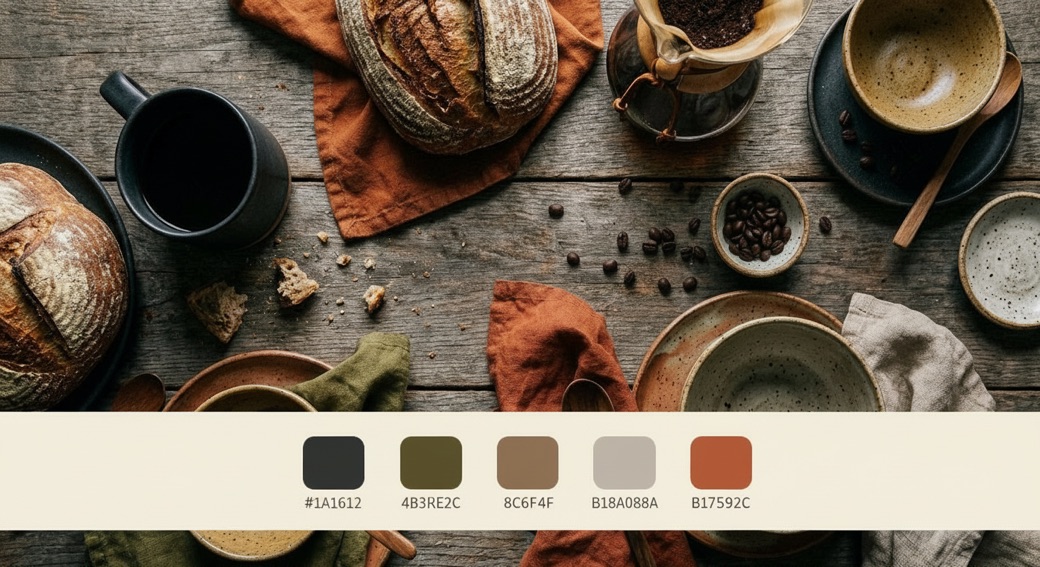
Color Palette
Pull 5 hex codes out of any photo.
Click any swatch to copy hex. Diversity slider, palette PNG export, CSS variable output.
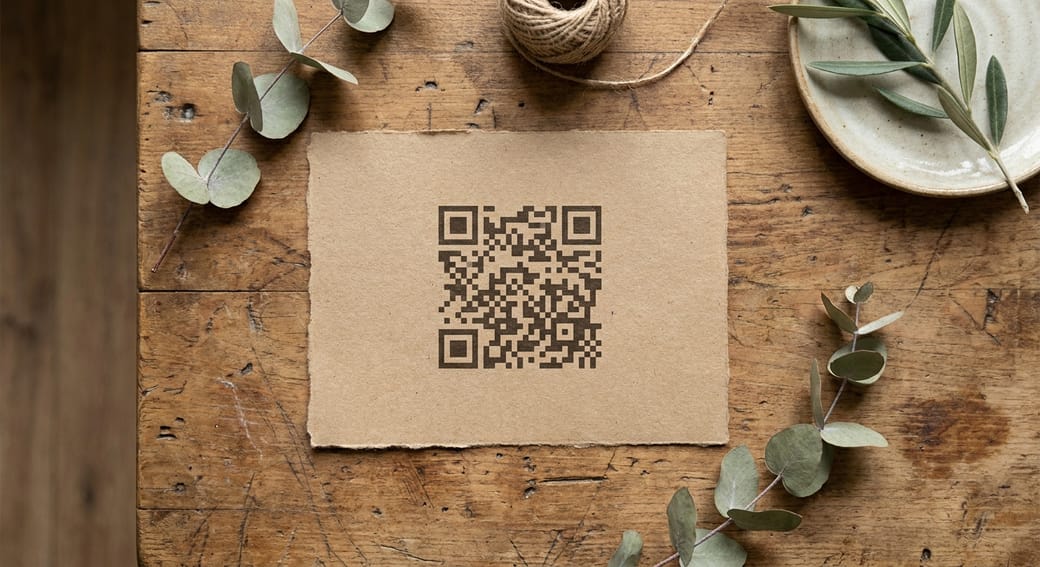
QR Code Generator
Print-ready QR for menus, invites, journals, vCards.
URL, Wi-Fi, vCard, SMS, email, map-pin templates. Custom colors, up to 2000px PNG.
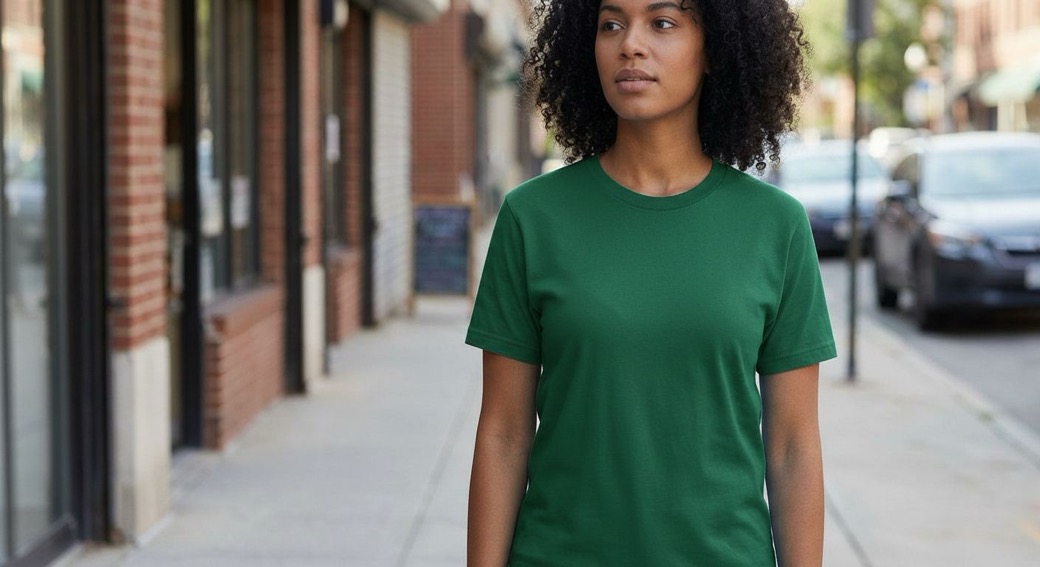
Color Replace
Eyedropper a color in your photo, swap it for another.
Tolerance slider, edge softness, preserve-shading toggle. Recolor shirts, walls, products in one click.
For real collages,
grab a proper app.
These tools are for quick, one-off edits. When you're ready to lay a whole spread — 20 photos on one page, templates, washi tape, captions — a real app is the right home.