Minimalist Family Photo Collage — make it in your browser
Start this minimal recipe on a square canvas with photo slots and editable stickers already arranged. Add 3–4 photos, then adjust the composition with the tools below. Photos stay on your device; no account is needed.
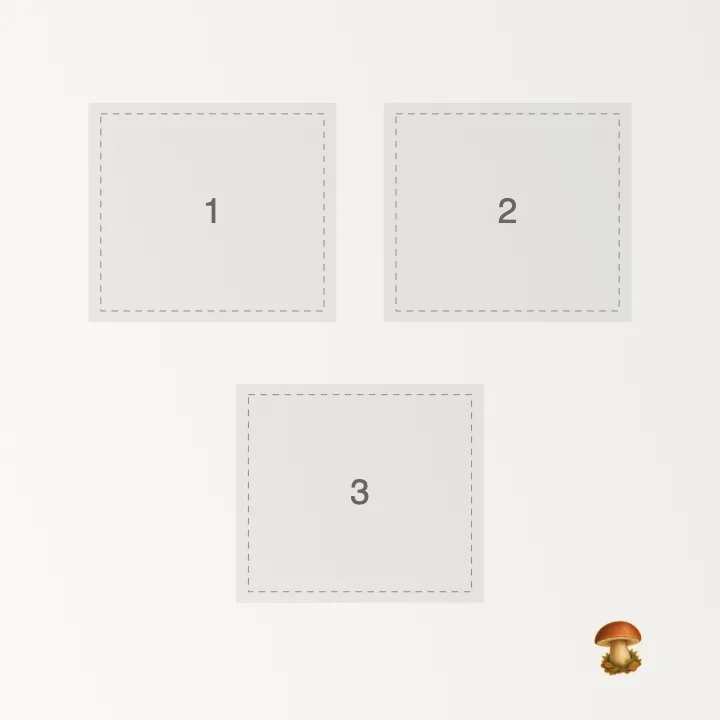
Your starting template
- Starting photo slots:
- 3
- Canvas ratio:
- 1:1
- Included decorations:
- Woodland mushroom
Add your photos to fill the numbered slots. Select a photo to replace it. Move or remove photos and decorations, and change the background. Fill or remove all empty slots before downloading a JPG or PNG. No account needed.
Customize this templateThe canvas it opens on
The maker opens on a square canvas at 1:1, and that is the recipe's own choice rather than a default: a square gives every photo the same weight, which is what a set of equals needs.
The recipe suggests 3–4 photos. You can add more or fewer, then choose a grid or arrange them freely.
Building this style
A starting composition with photo slots and editable stickers. Add photos to fill the slots in order, or fill one from Photos.
Which tools this one needs
This recipe leans on grids, backgrounds, text and stickers. 5 of its 6 steps open a panel right here; the remaining one is hand work on the canvas — placing, cropping, deciding.
What this page leaves out
The steps themselves, the ingredient list and the variations stay on the full recipe. This page is the canvas, not the reading — once it loads, the rail beside it carries the same steps in short form.
This maker runs in your browser and covers the basics only. For a full toolkit, see our guide to the best collage apps.